Maker
September, 2024
Project overview
What is it?
Maker is a self-serve creative tool that helps users turn basic product uploads into high-quality product shots. It enables users to upload and organize products, generate AI images and videos, and refine results through lightweight editing tools.
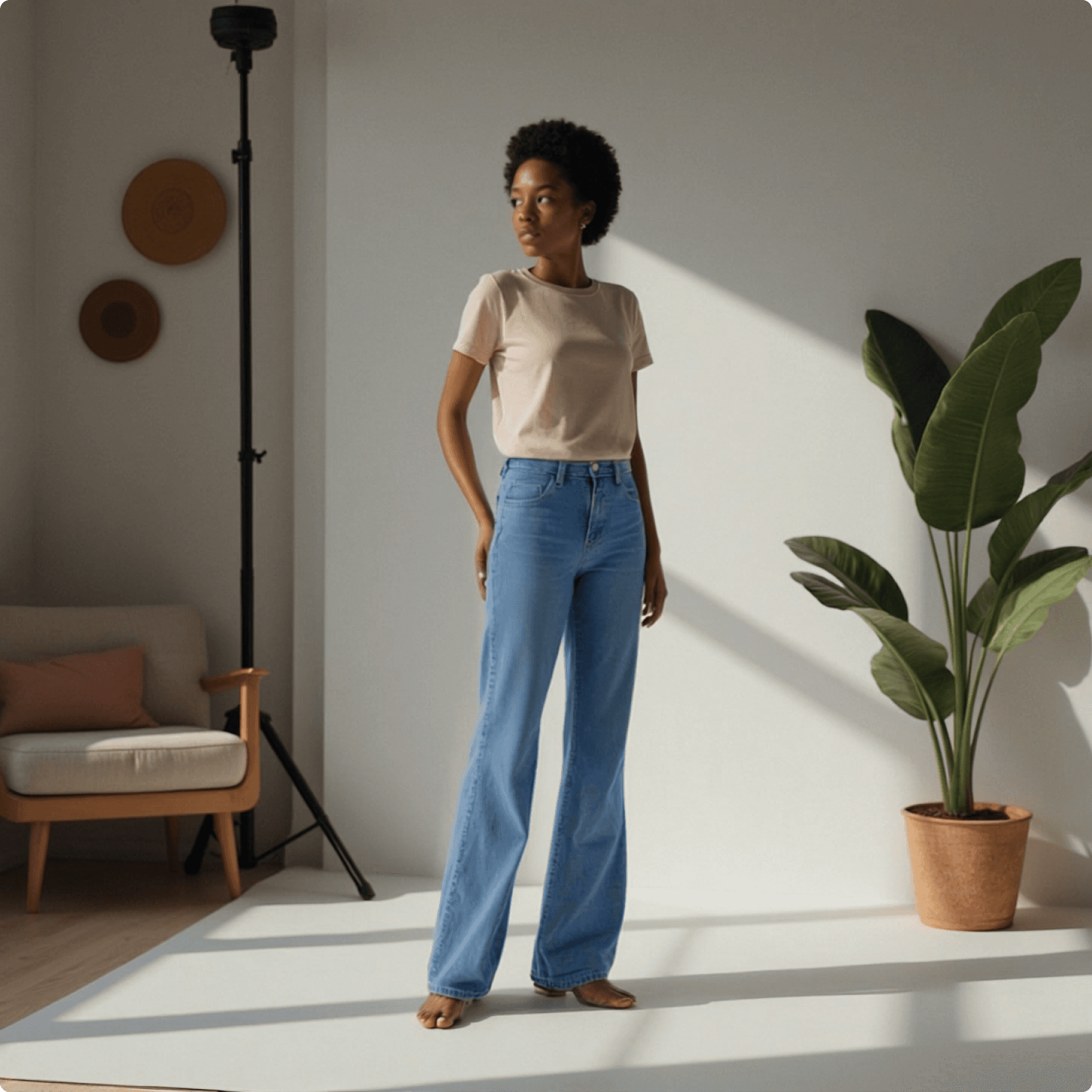
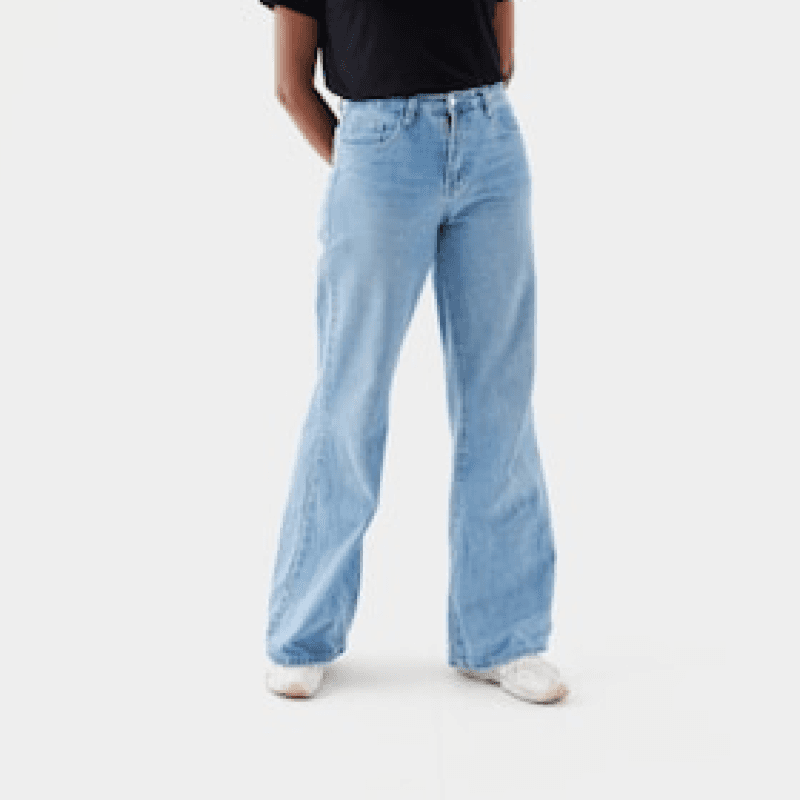

Image generation from product
Role
I was the sole product designer on Maker, working closely with the product manager, engineers. I owned the end-to-end design process, including UX, visual design, design system foundations, and post-launch iteration across mobile and desktop.
Design goal
Design a simple, end-to-end experience for creating product visuals, from product upload and organization to AI image and video generation and lightweight editing. The goal was to keep the core creation flow intuitive and efficient, while supporting it with essential systems such as onboarding, sign-in, credits, and account management to enable a complete, scalable product experience.
Outcome
Launched a full version of the paid platform across desktop and mobile.
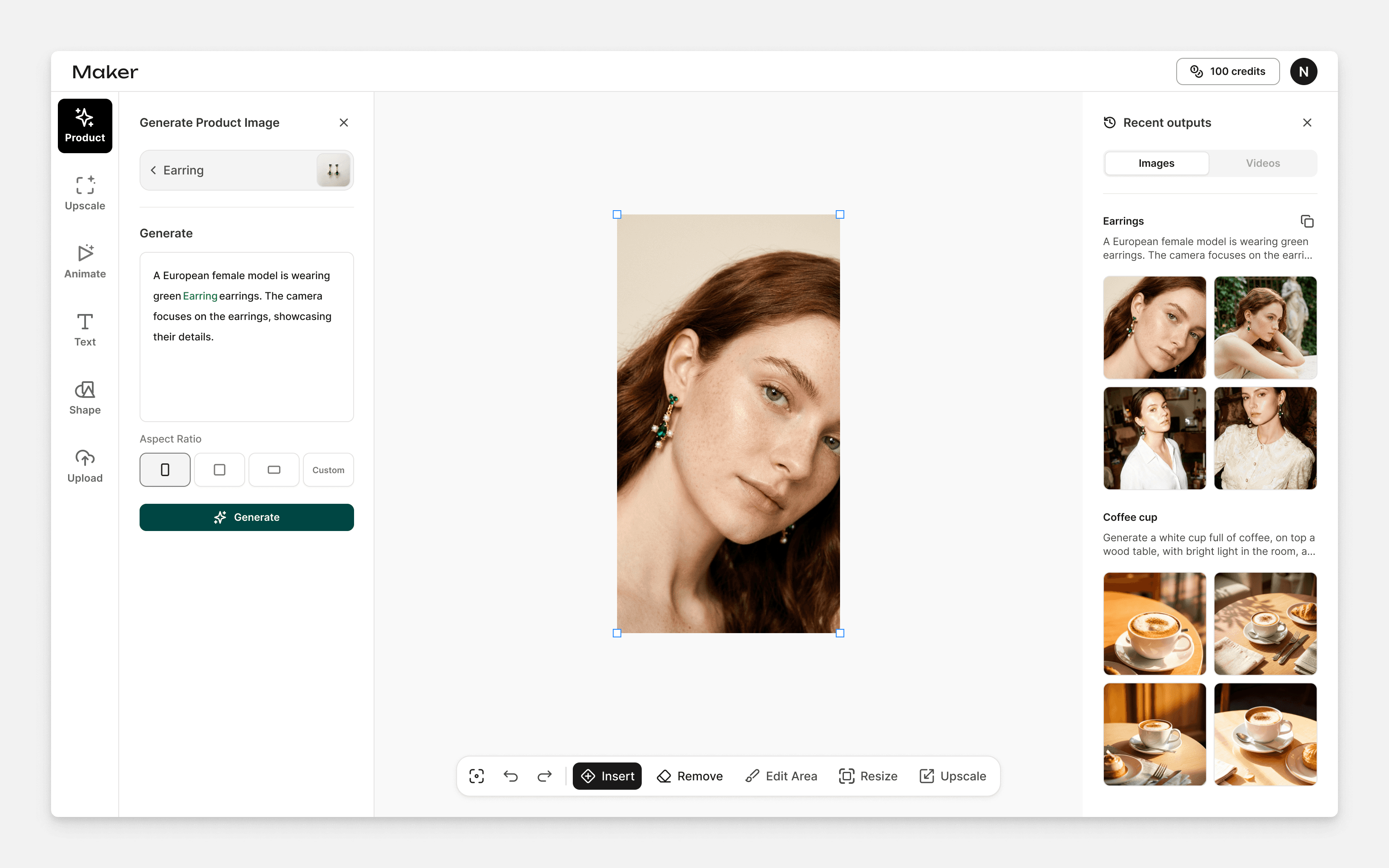
Design for Maker
Design challenge
The challenge was to combine AI generation and editing in a simple, easy-to-understand flow. The tool needed to balance AI features and basic editing tools without overwhelming users.
In addition, the AI model required users to upload product images for training before generating results, which is different from most AI tools. This made it essential to clearly educate users and guide them to upload high-quality product images, since input quality directly affects generation results.
Design process
Improving the existing product
When I joined the project, the first version of the app was already live. My first task was to refine the existing UI for clarity and consistency, and create a reusable component system to support faster iteration and future features.
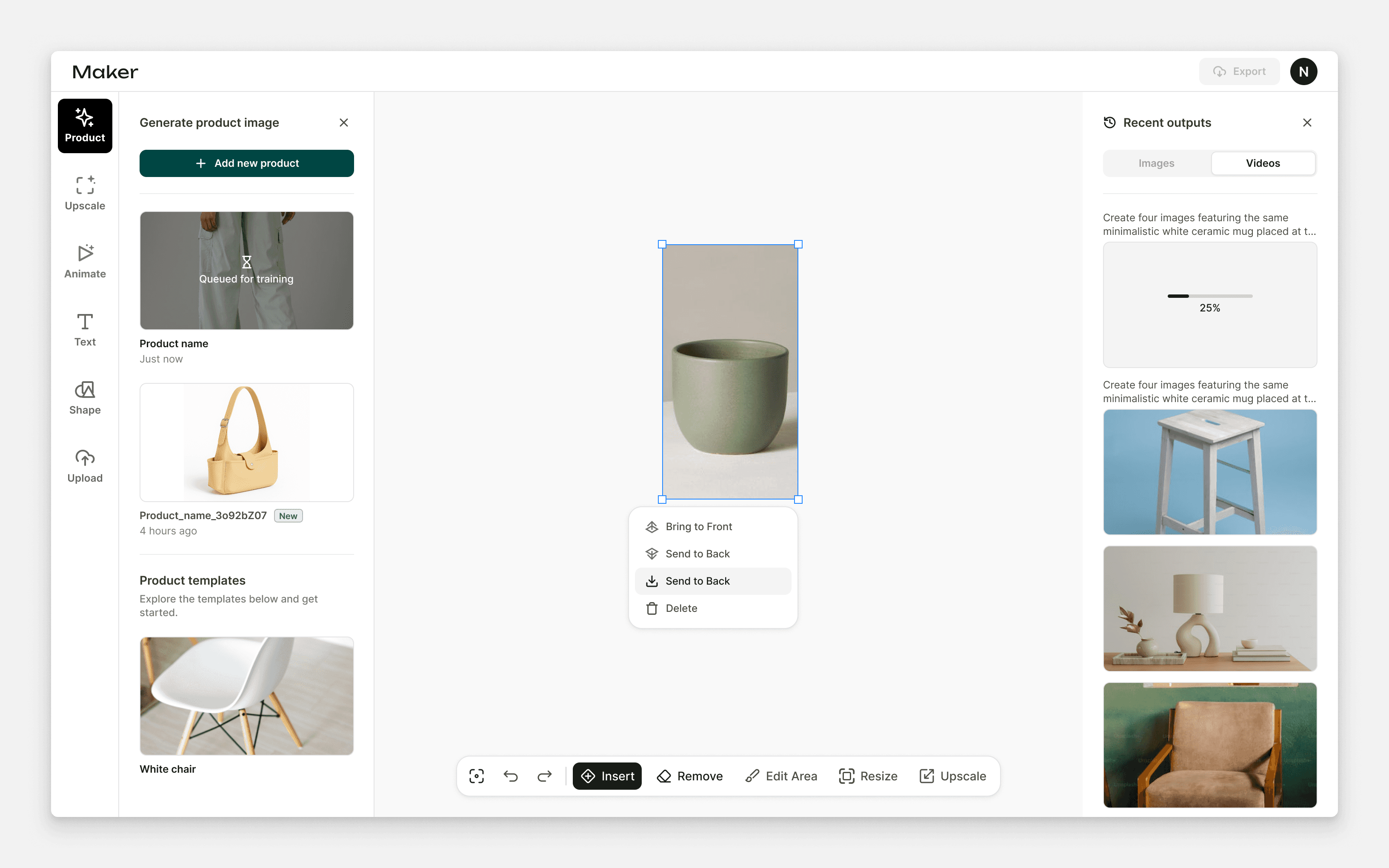
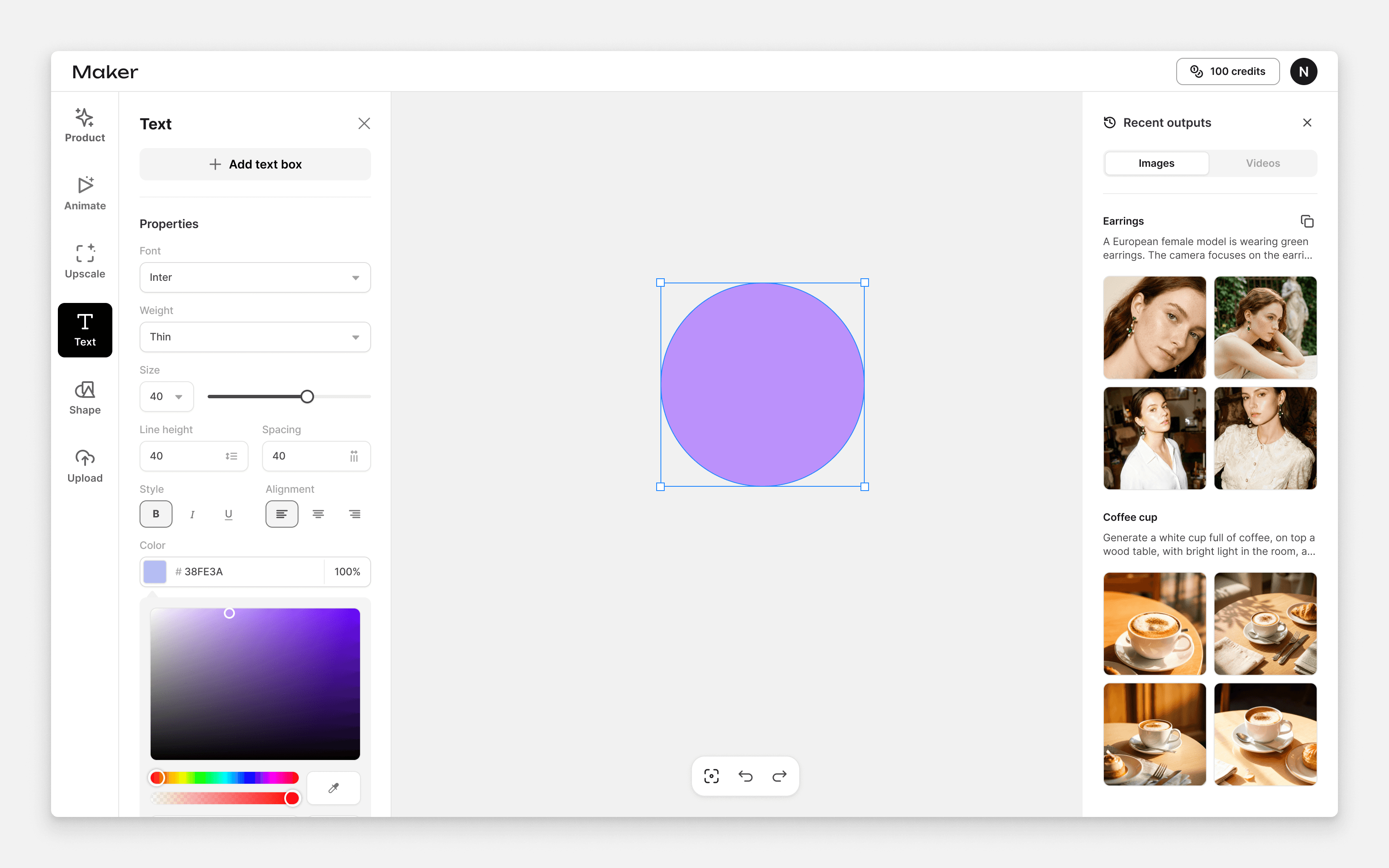
UI improvement
Mobile version
UI/UX improvement also include mobile version
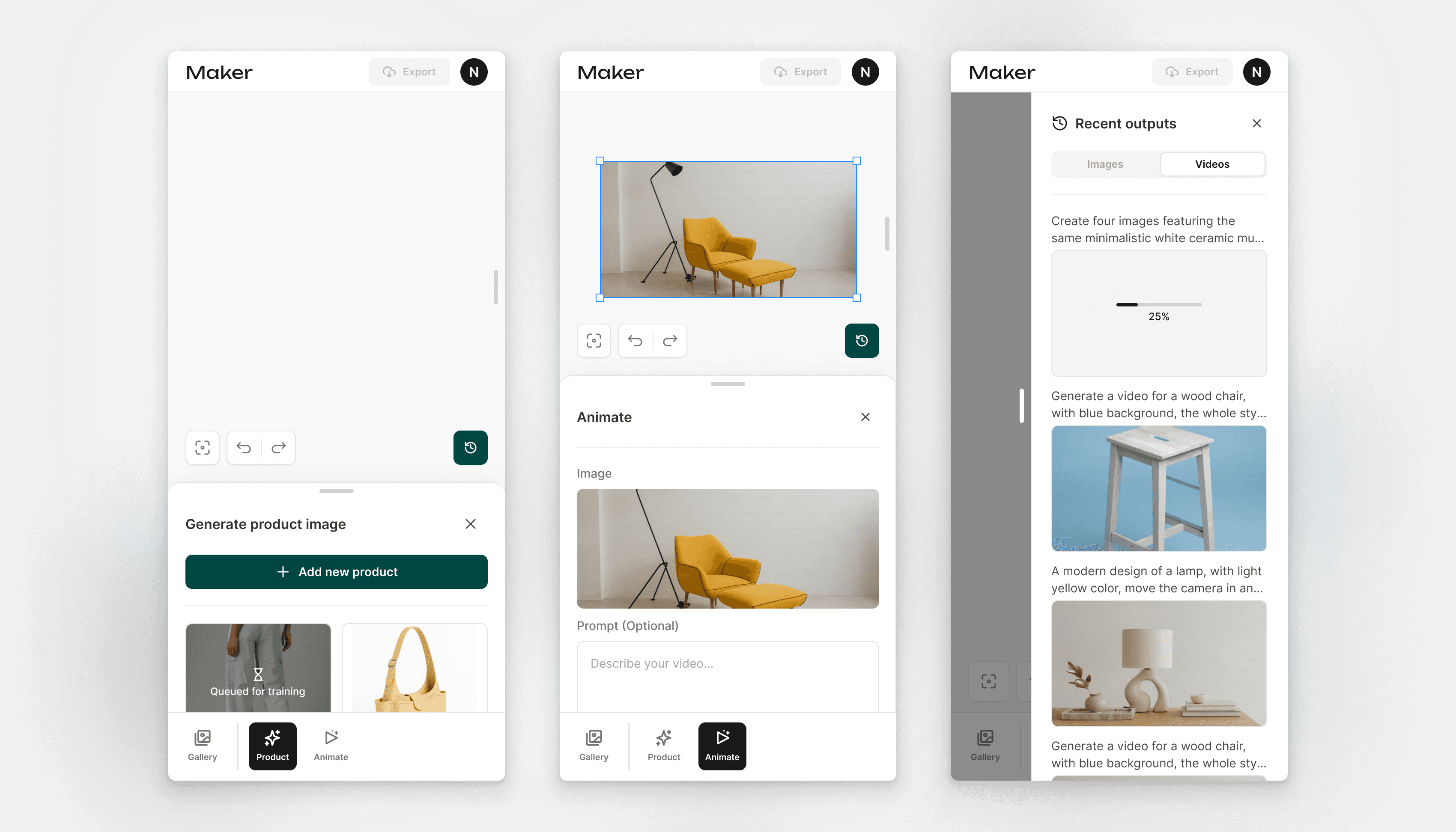
Mobile version
Design system
I designed and maintained the component system. The visual design focused on a clean, modern aesthetic using rounded corners and a light interface to keep the product approachable and easy to use.
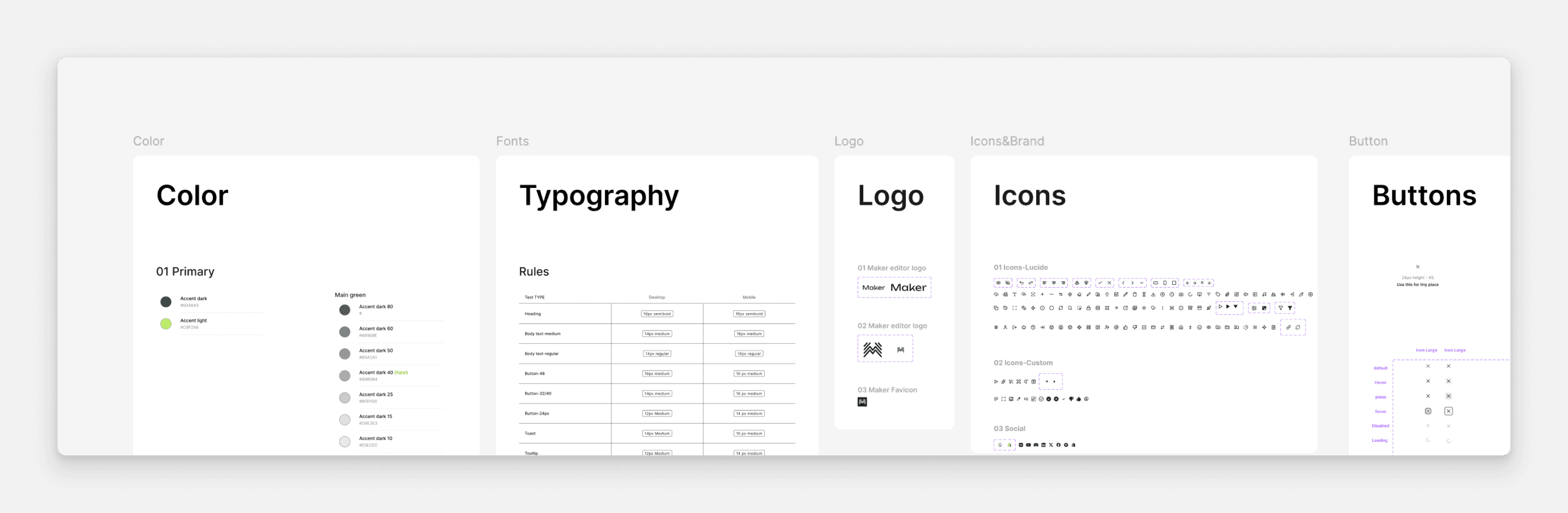
Design system
Iteration & evolution
After defining thedesign system, we focused on expanding the product with new features such as the AI image editing flow and Omni control, enabling users to generate high-quality assets more easily.
As we gathered feedback, we learned that users wanted better product organization and a simpler creation experience. In response, I explored multiple layout and flow options and ultimately removed the Canva-style editor in favor of a more focused approach.
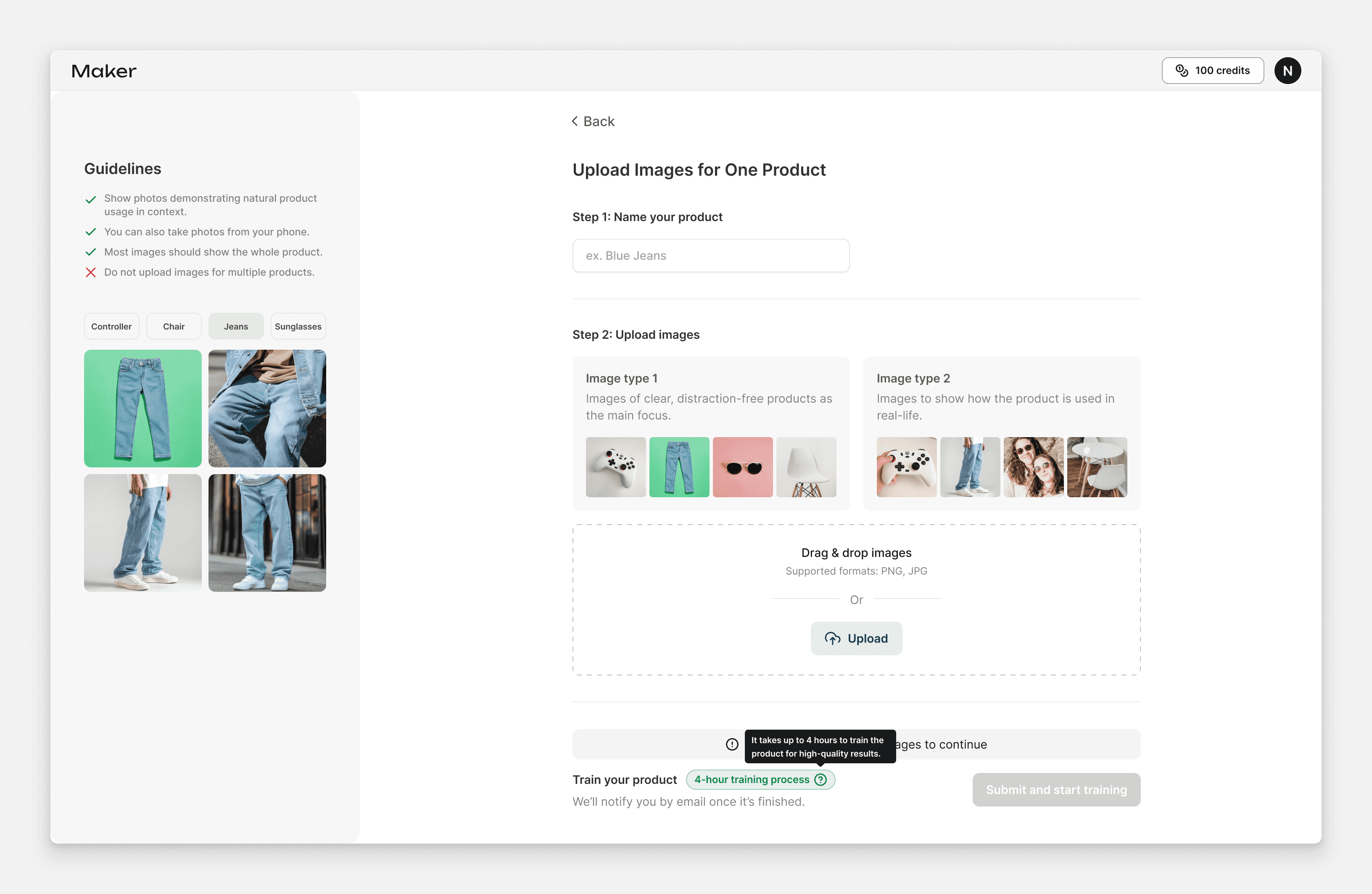
Improved the onboarding flow to teach user train their first product
Exploring multiple directions for the next version of the app helped define the foundation for a more scalable system.
Finial design
The final design focuses on clarity and speed. We placed the gallery on the right for easier browsing, improved product organization, and removed non-essential tools, keeping only AI editing features to help users generate and refine results with less friction.
Desktop
Desktop version for Maker
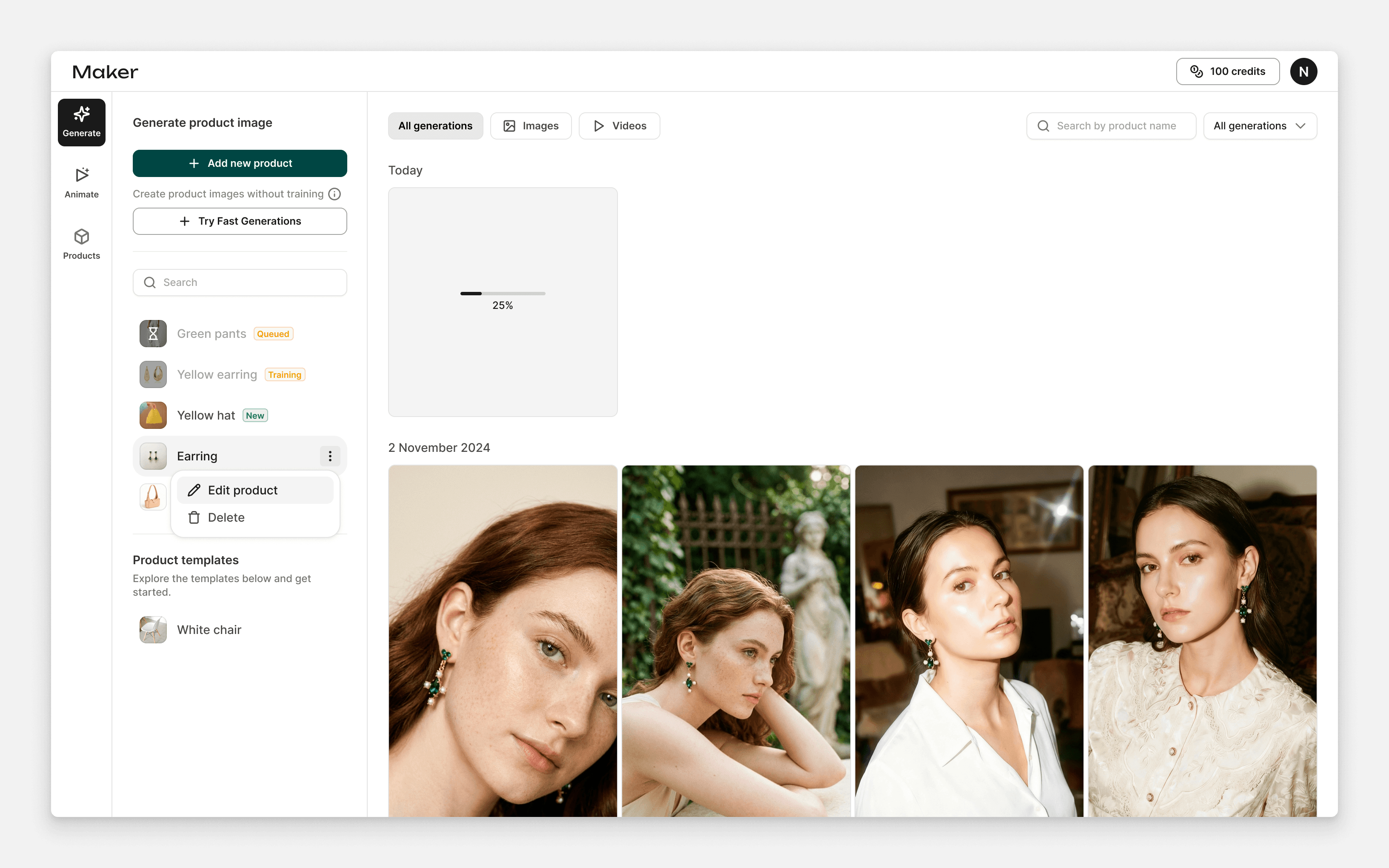
New layout changes
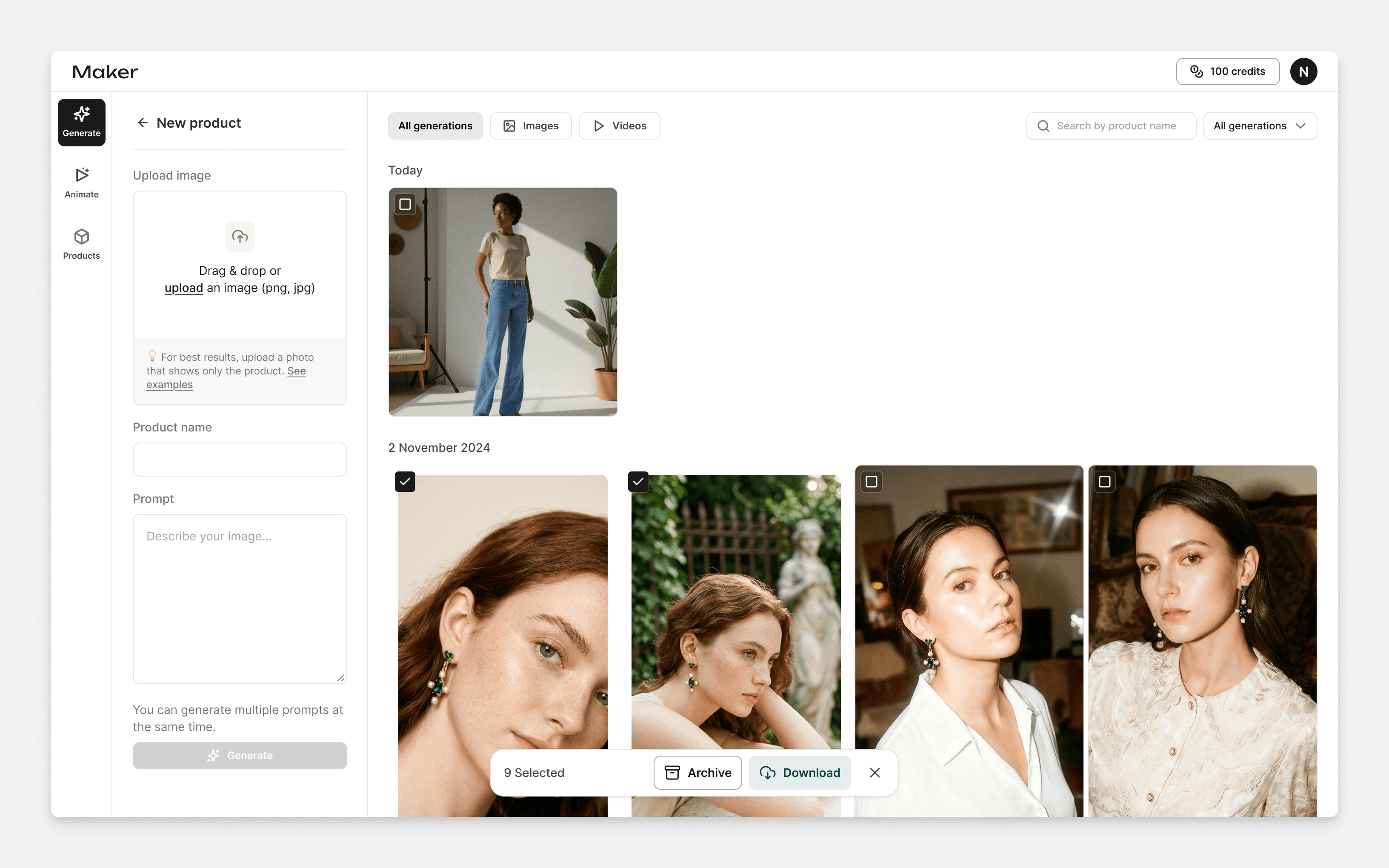
Design for new generate flow
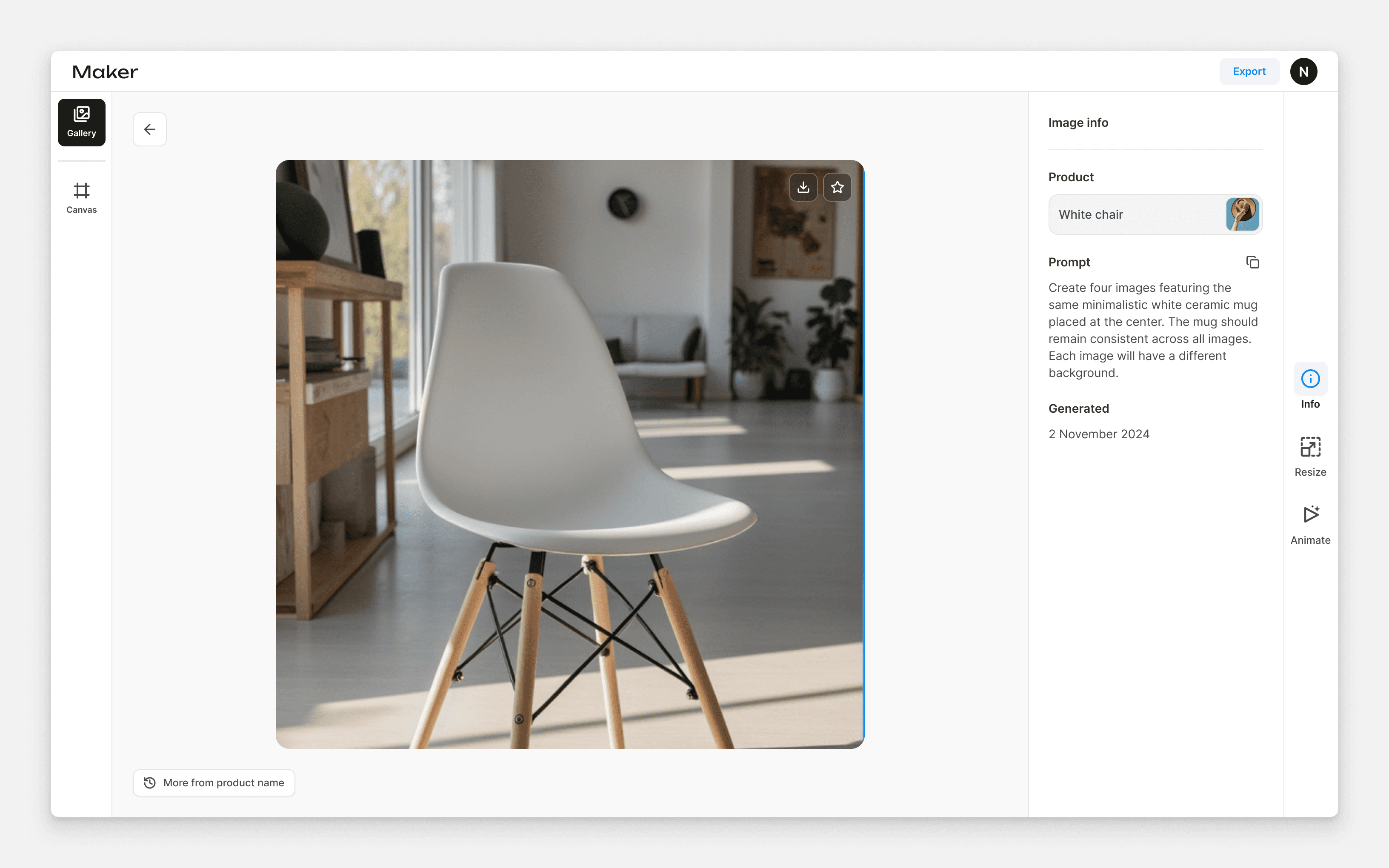
Added new generation’s info page
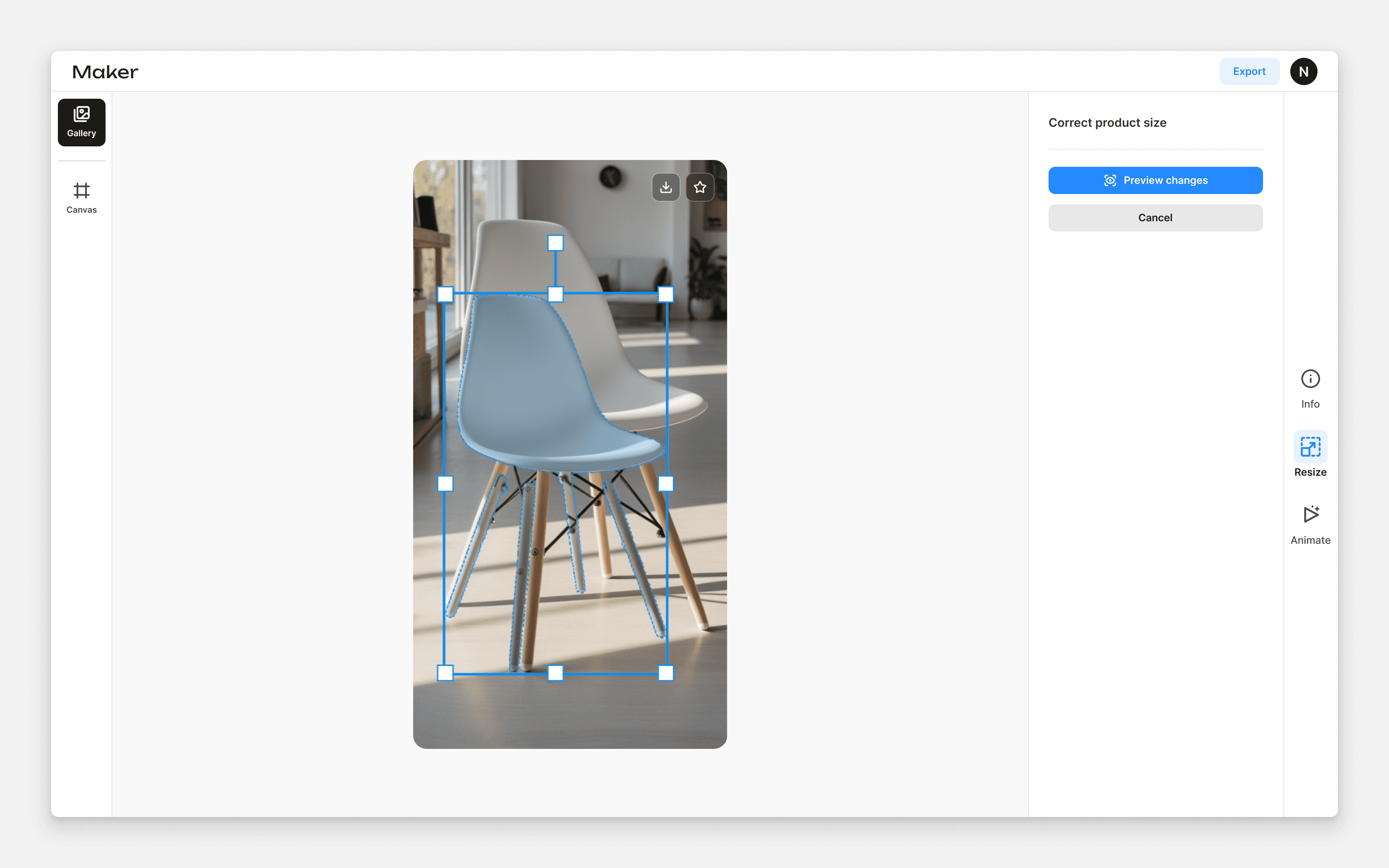
Added new flow to resize product
Mobile version
The main flow include product upload and image/video generation.
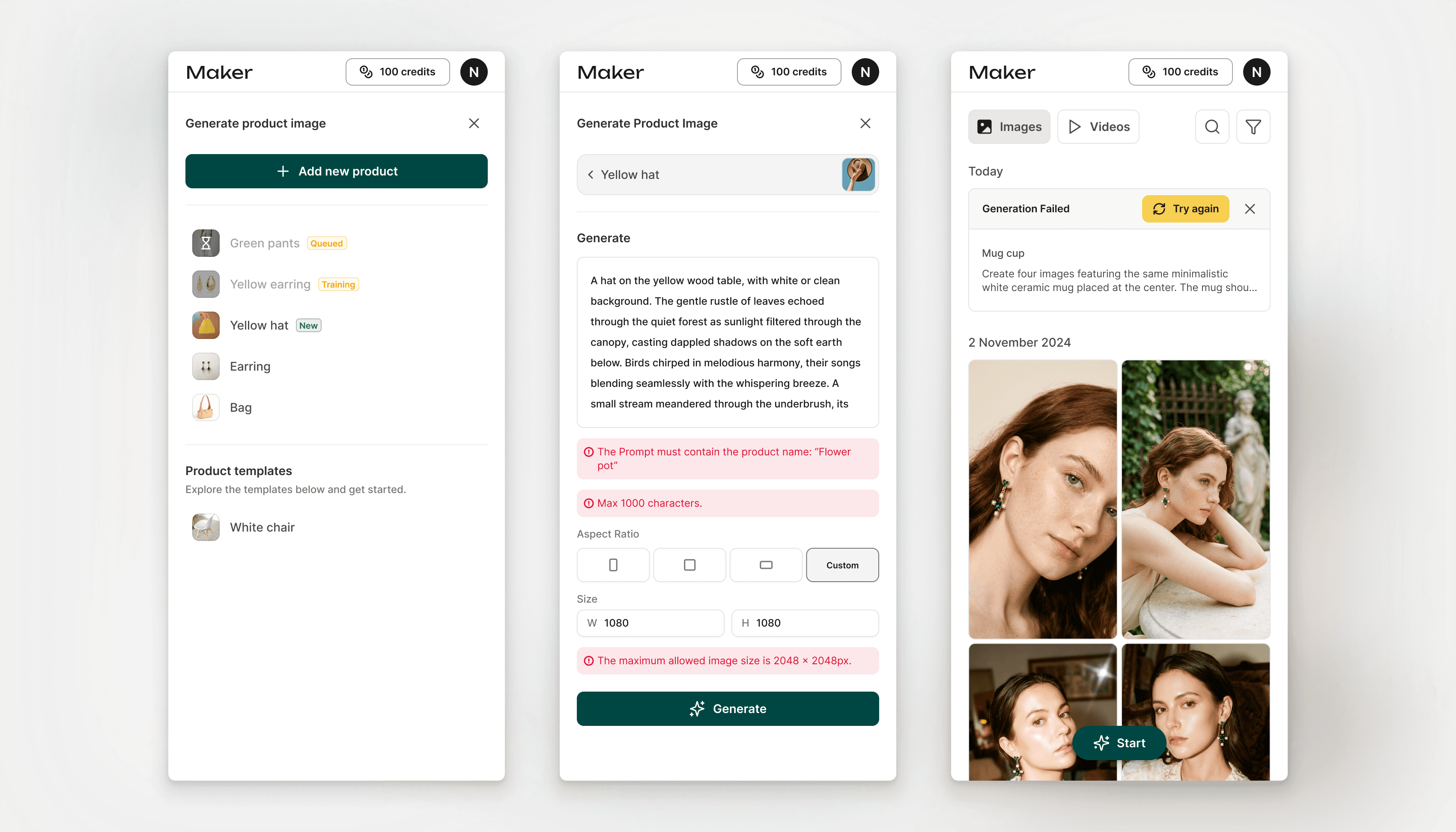
Mobile version adjustment for generate flow
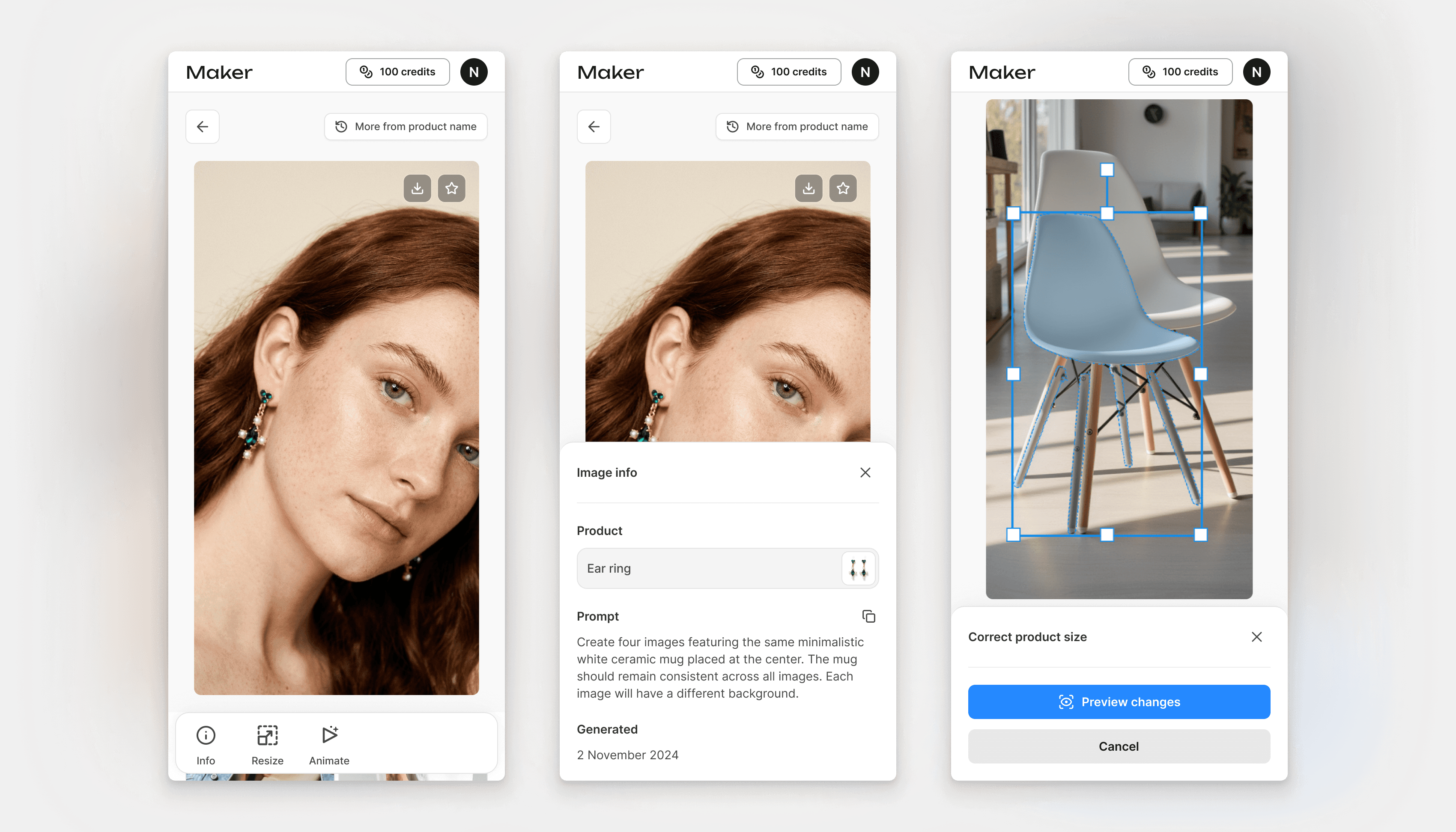
Mobile version for animate image into a video flow