Claru is a training-data platform for physical AI, serving admins who manage operations and contributors who collect data.
For admins, I designed a dashboard to organize users, teams, projects, and payments, bringing structure to large-scale data collection. On the contributor side, the core experience I designed spans desktop and mobile, covering onboarding, project discovery, activity, payouts, and referrals for a global community of 2M+ contributors.
Users had trouble generating good quality videos and needed a separate tool to write text prompts, so I designed an AI agent experience that helps them define the storyboard, characters, and shots with AI’s help for prompting.
Users also needed to generate longer videos (20s), so to balance model price and model capability, I designed a flow that lets them generate multiple shots at once and use a timeline editor to combine short clips into one long video without burning too much money.
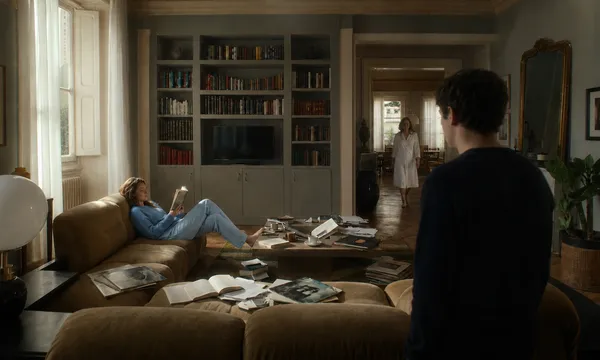
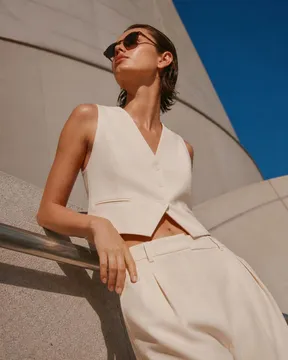
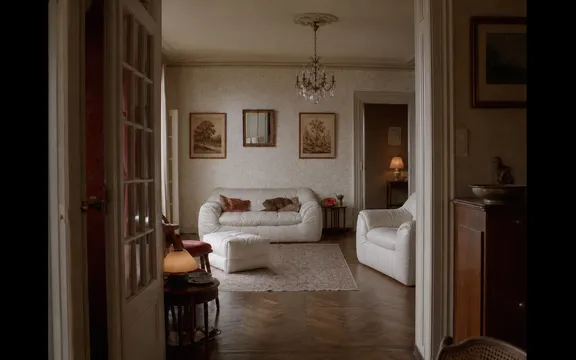
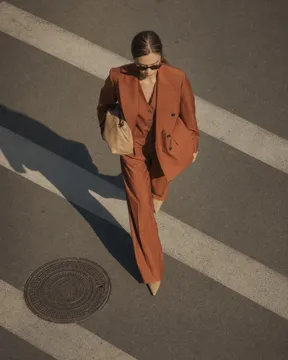
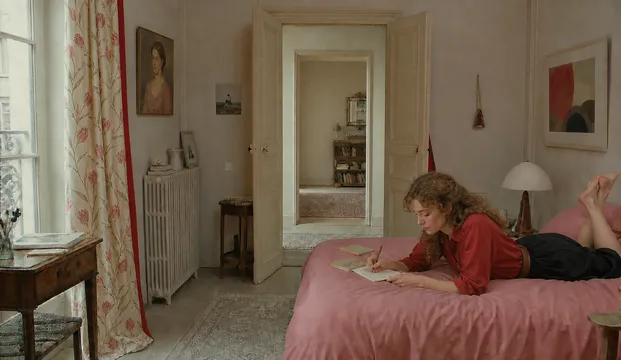
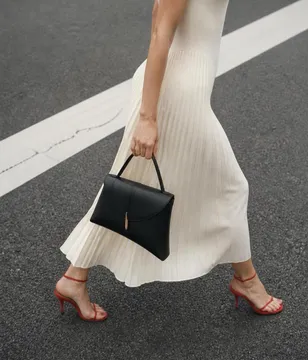
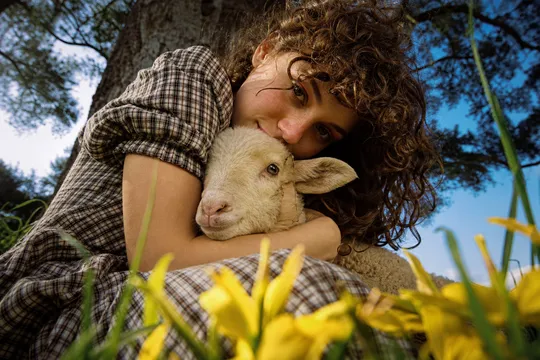
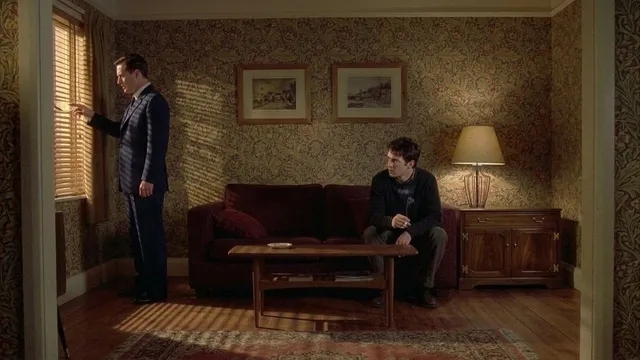
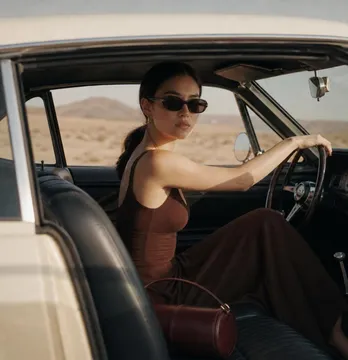
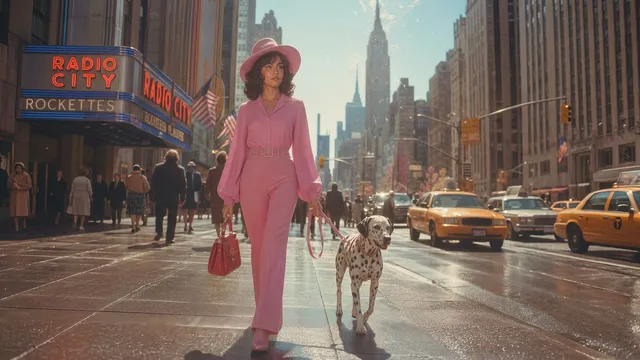
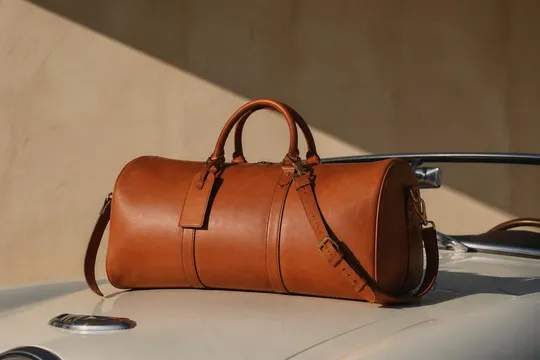
To drive active user growth, I explored a template library that showcases the AI model’s capabilities while inspiring new use cases. I created 200+ image and video templates spanning fashion, film, painting, 3D, and interior design, giving users a ready-made starting point to experiment and create.
I led the design of the Infer website and refreshed the product’s design language to create a more cohesive experience, which helped grow Infer’s daily ARR from $2K to $20K within a week.
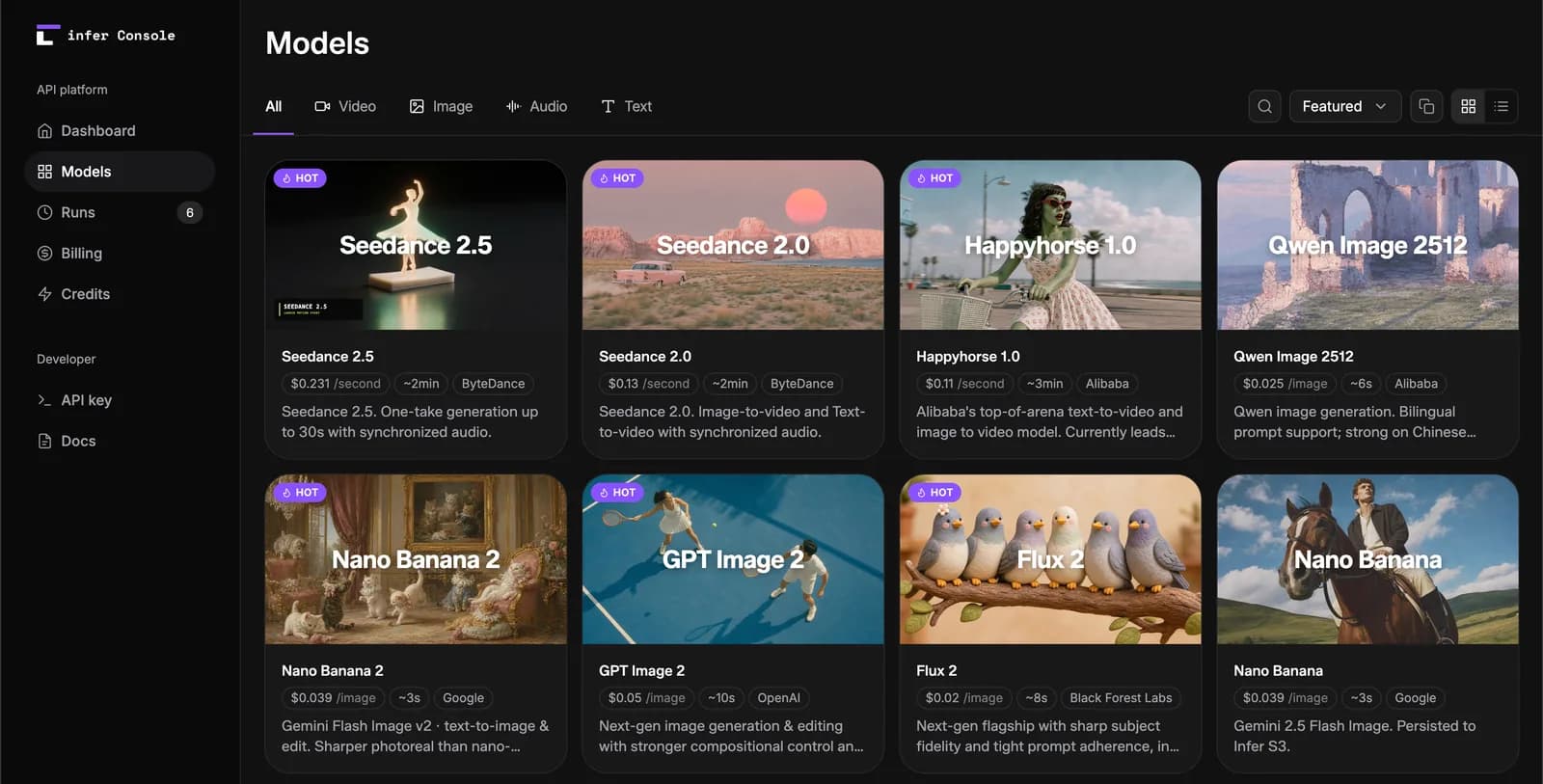
I redesigned and built the Infer API platform’s design system to create a more cohesive desktop and mobile experience, while using AI-assisted coding to bring designs directly into the product. Working hands-on in the codebase, I prototyped and shipped new features, restructured the product, fixed bugs, and supported QA.
I helped refine Reka Clip’s brand and website design, while designing the core video clipping experience to make turning long-form content into short clips faster and easier.
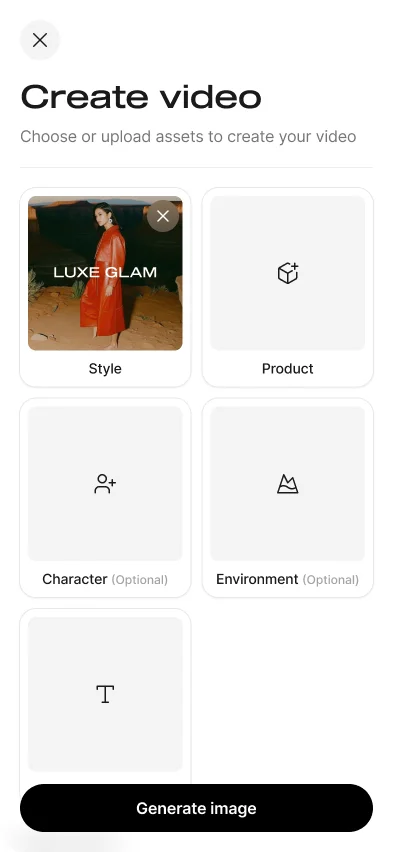
We introduced new features that gave users more control over the characters, scenes, and products in their generated images and videos. I designed a new flow for selecting or uploading character images, as well as a product calibration flow that helps users capture and preserve the key details of their uploaded products for more accurate generations.
As the user base grew, helping users consistently achieve high-quality generations and discover new use cases became a key challenge. I designed a new prompt assistant that helps users create better prompts by simply selecting key words. I also designed a multi-angle product image upload flow that guides users to provide the right inputs, improve generation quality, and generate images for multiple products at once. Both were built into the product.
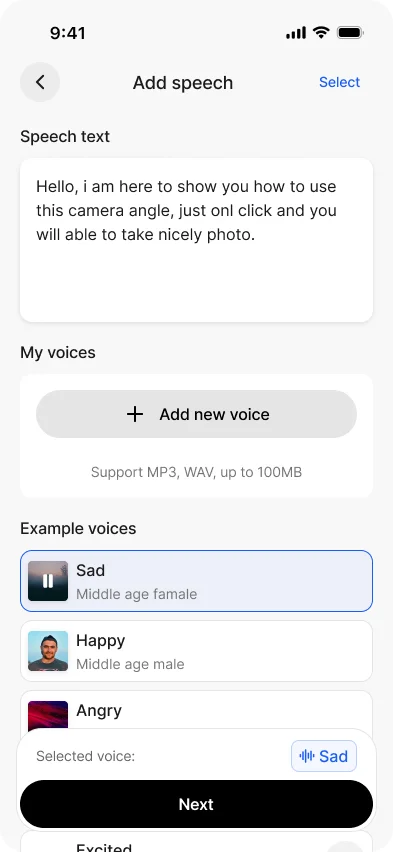
To better align the product with user behavior and technical requirements, I led UX and brand design improvements. A redesigned generation flow made it easier for users to get started and kept the experience in step as the product evolved. I also designed a new UGC generation flow that lets users create videos with audio. The new version was successfully launched.
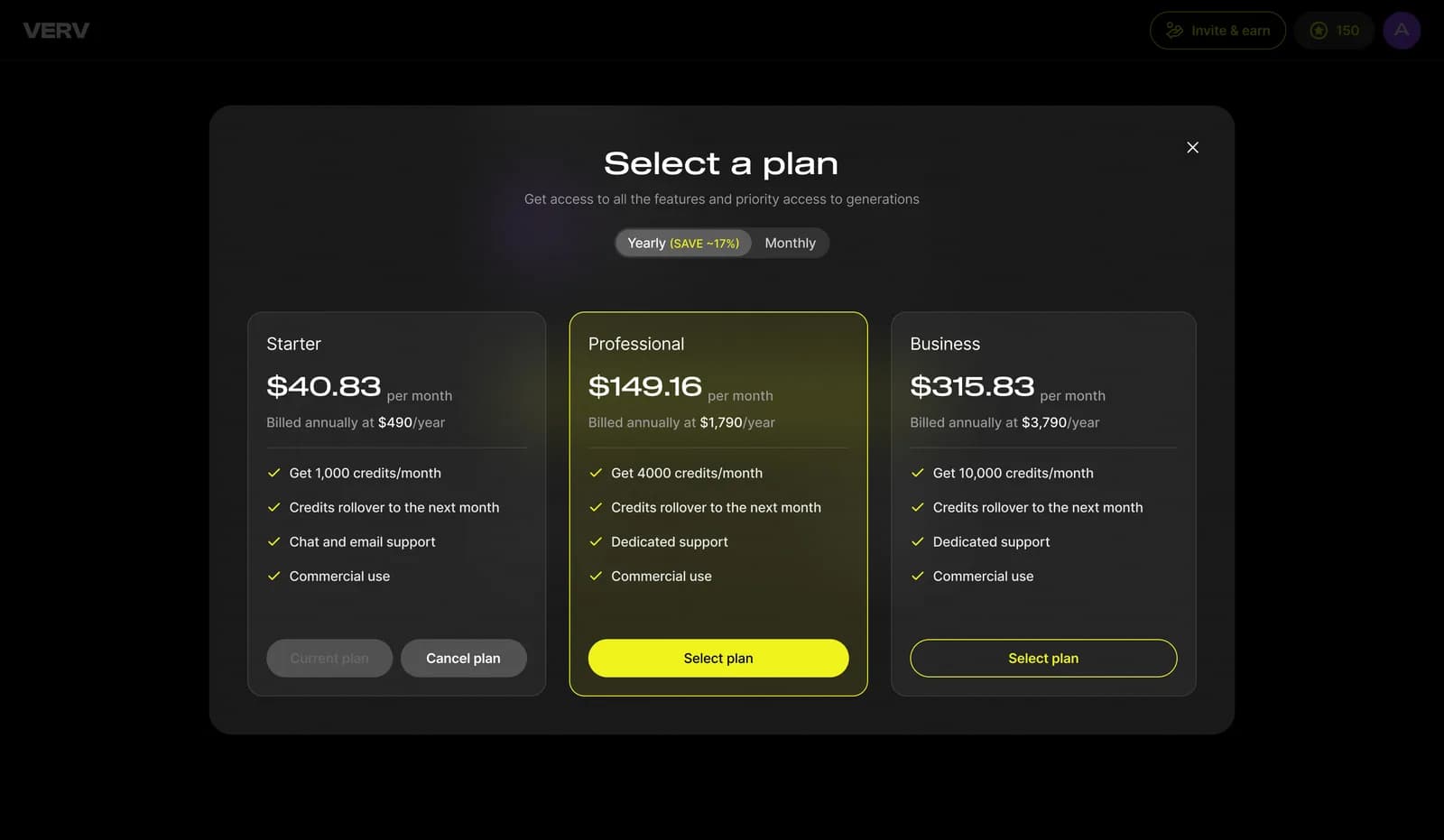
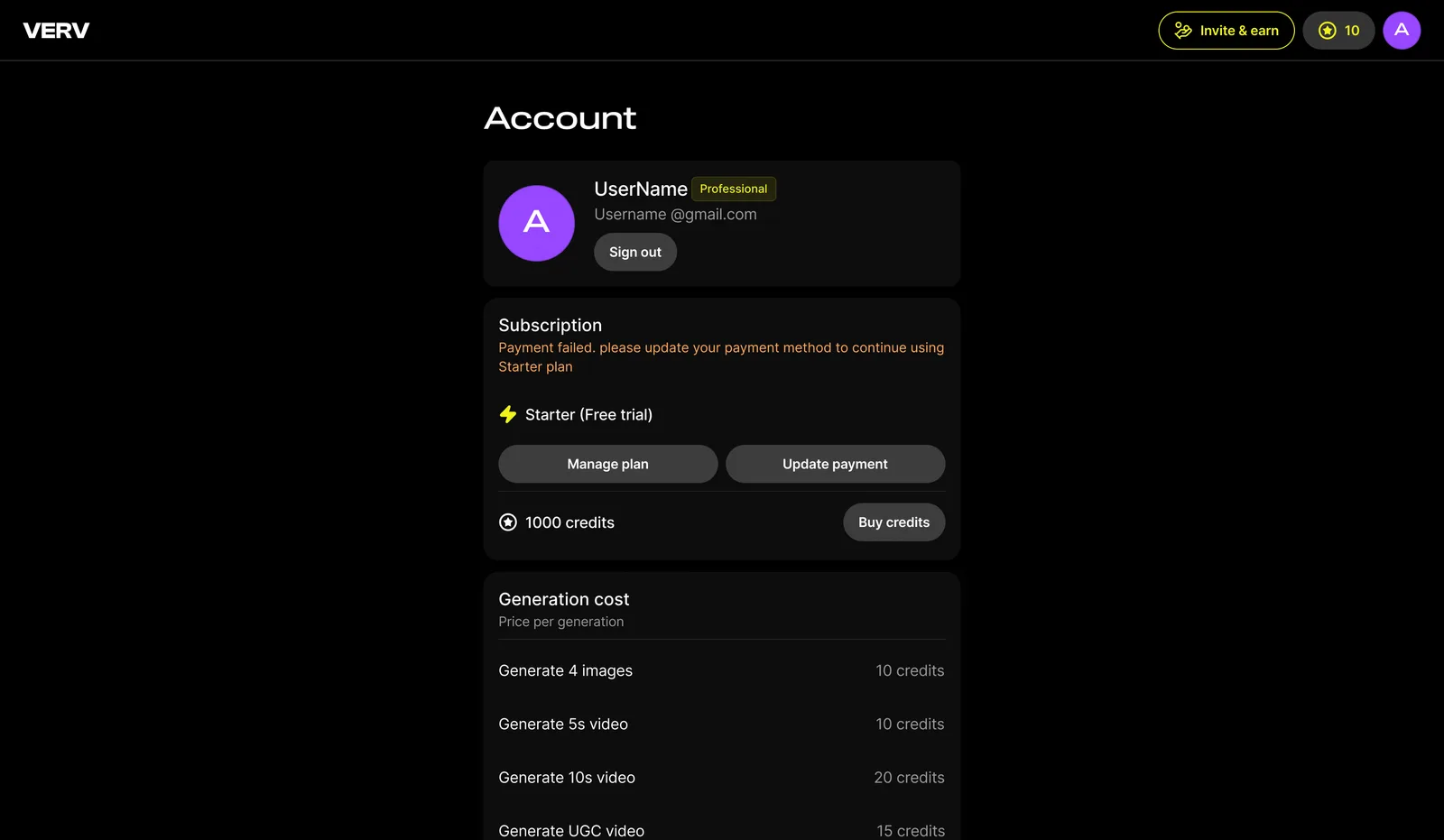
I also designed the subscription flow, account settings and referral flow to support the product’s business.
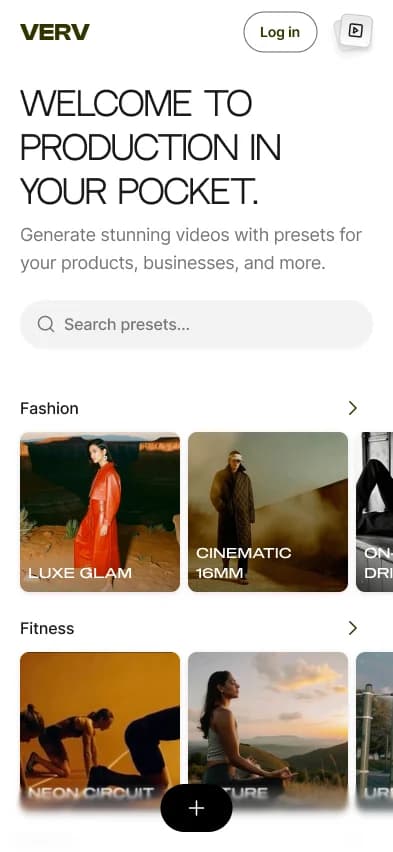
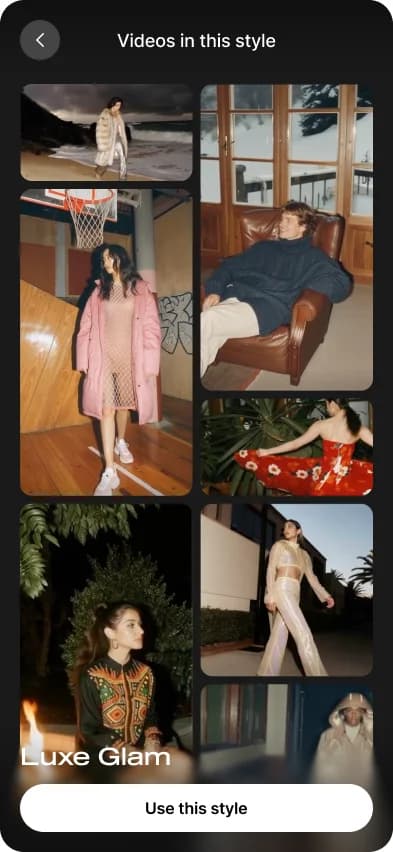
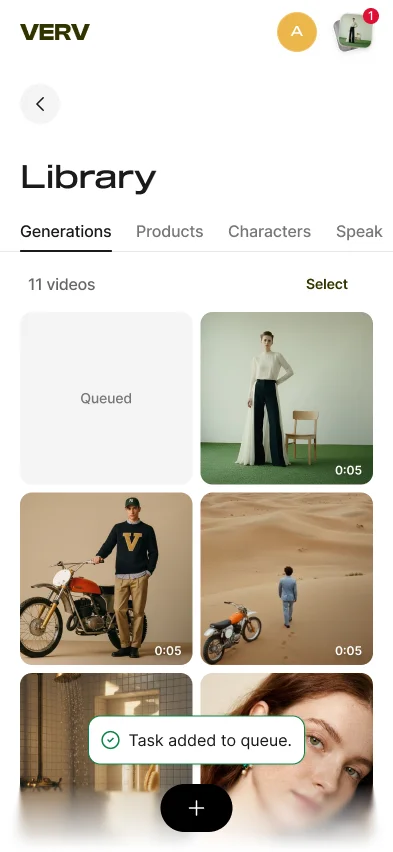
I led product design for Verv’s template-driven image and video generation experience, focused on helping users create professional product shots with AI. I designed the end-to-end experience across sign-up, generation, gallery, and account management. The product successfully launched.
As the product shifted toward enterprise and studio partnerships, I led the design of workflows for large creative teams working on complex projects. Systems for project and folder organization, team management, LoRA training, and generation organization gave studios a structured workspace to manage assets, team members, and production at scale.
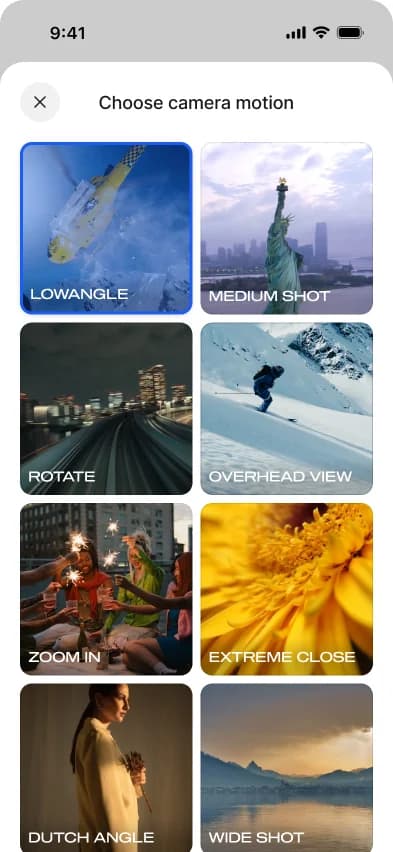
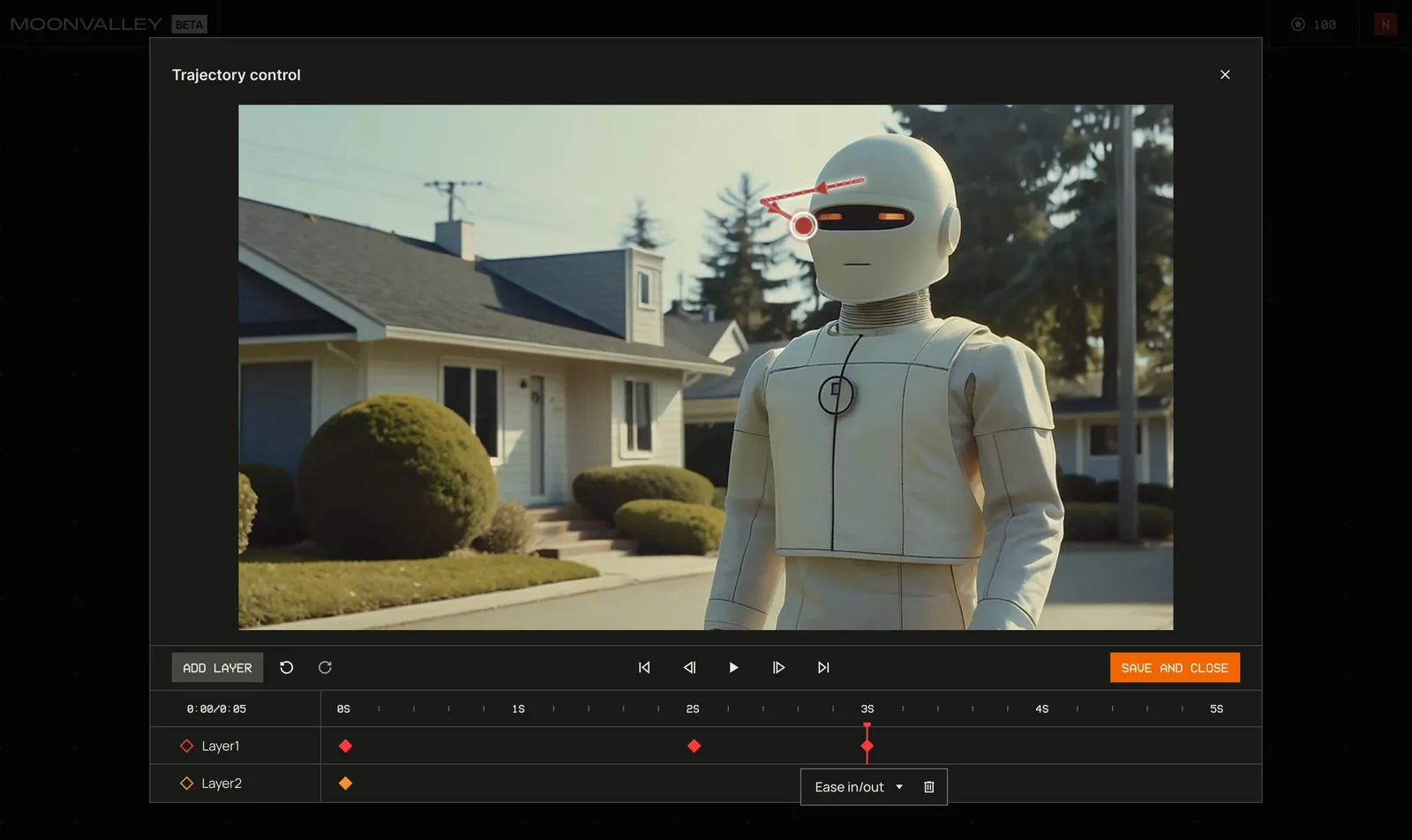
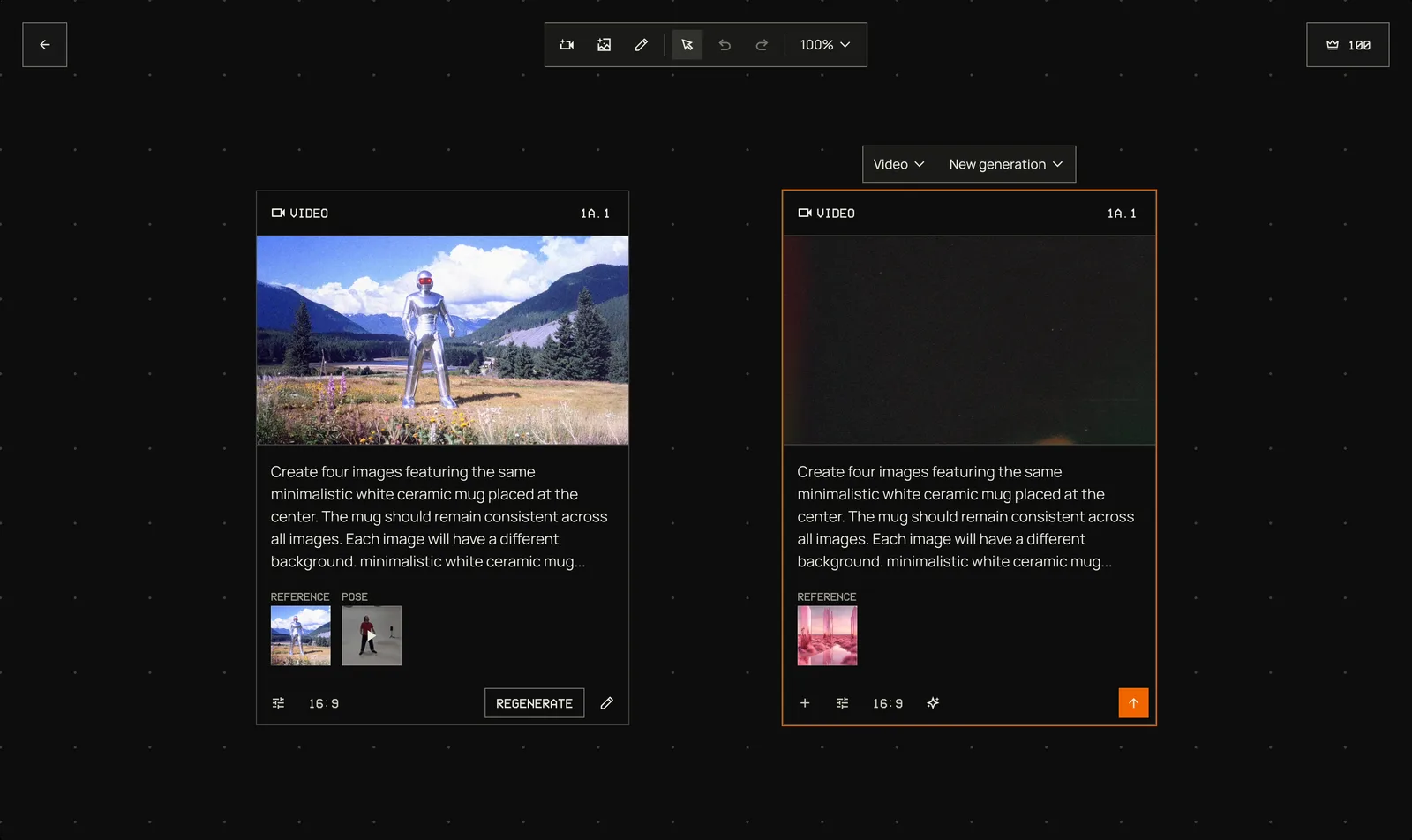
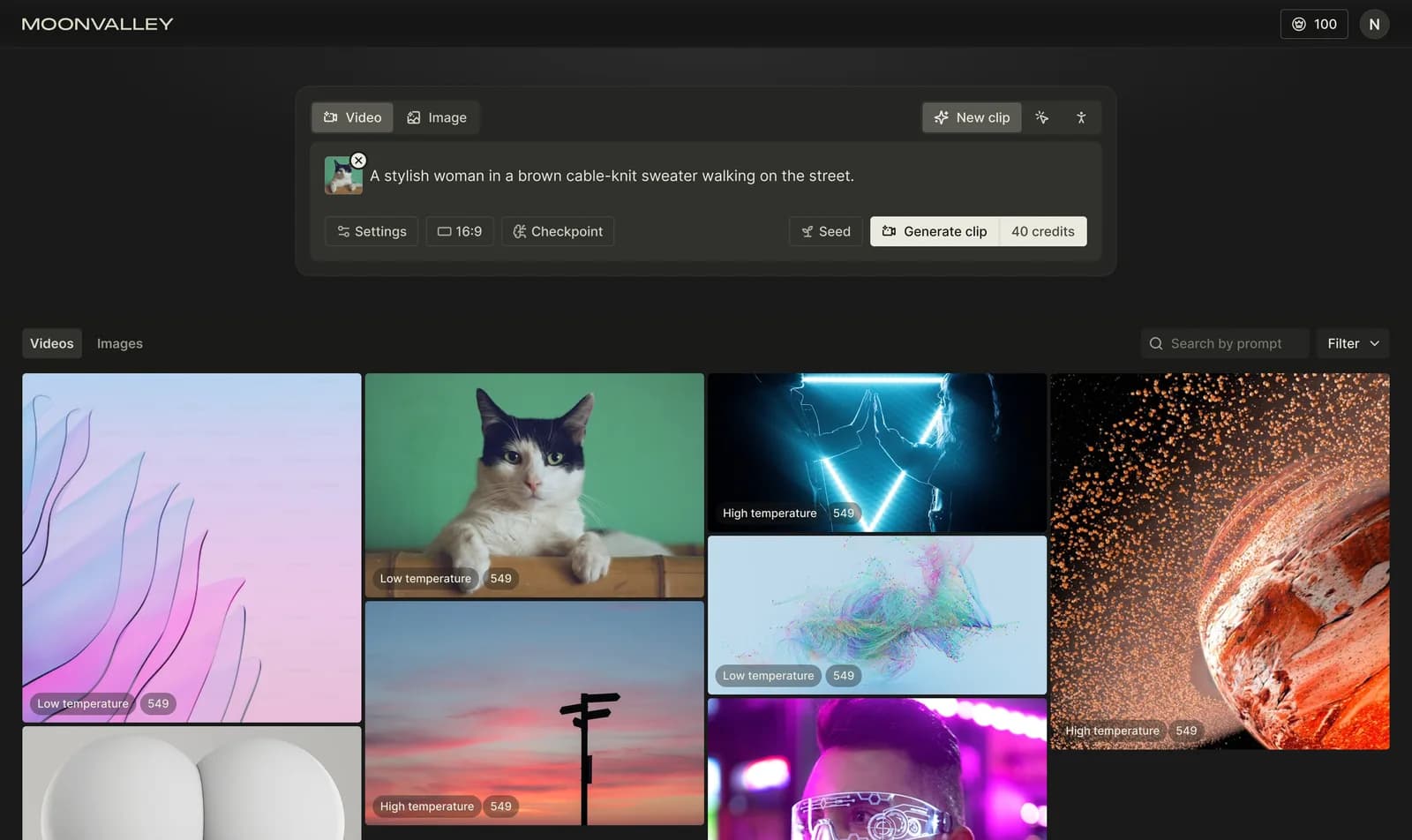
I led the product design for the final Moonvalley product. The gallery generation flow we launched supports image and video generation with Multiple keyframes, Pose control, Motion transfer, Camera control, and Trajectory control, giving filmmakers full control over their videos through our own AI model.
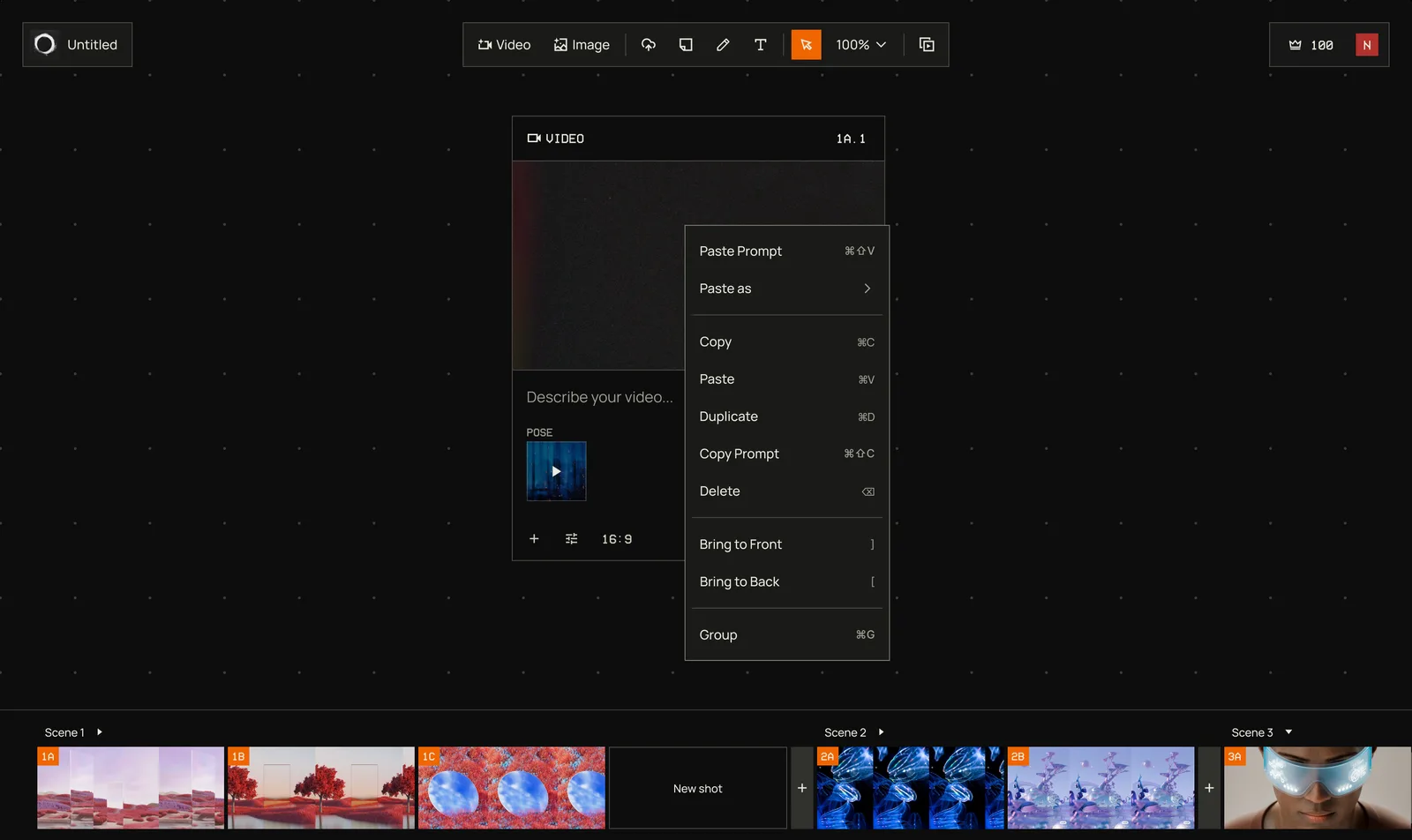
Based on early-stage exploration, we decided to build the generation experience on a canvas. I built the new design incorporating feedback from filmmakers. The new design included the full video/image generation flow, an asset organization system, support for our AI model’s new control features, and the overall canvas experience.
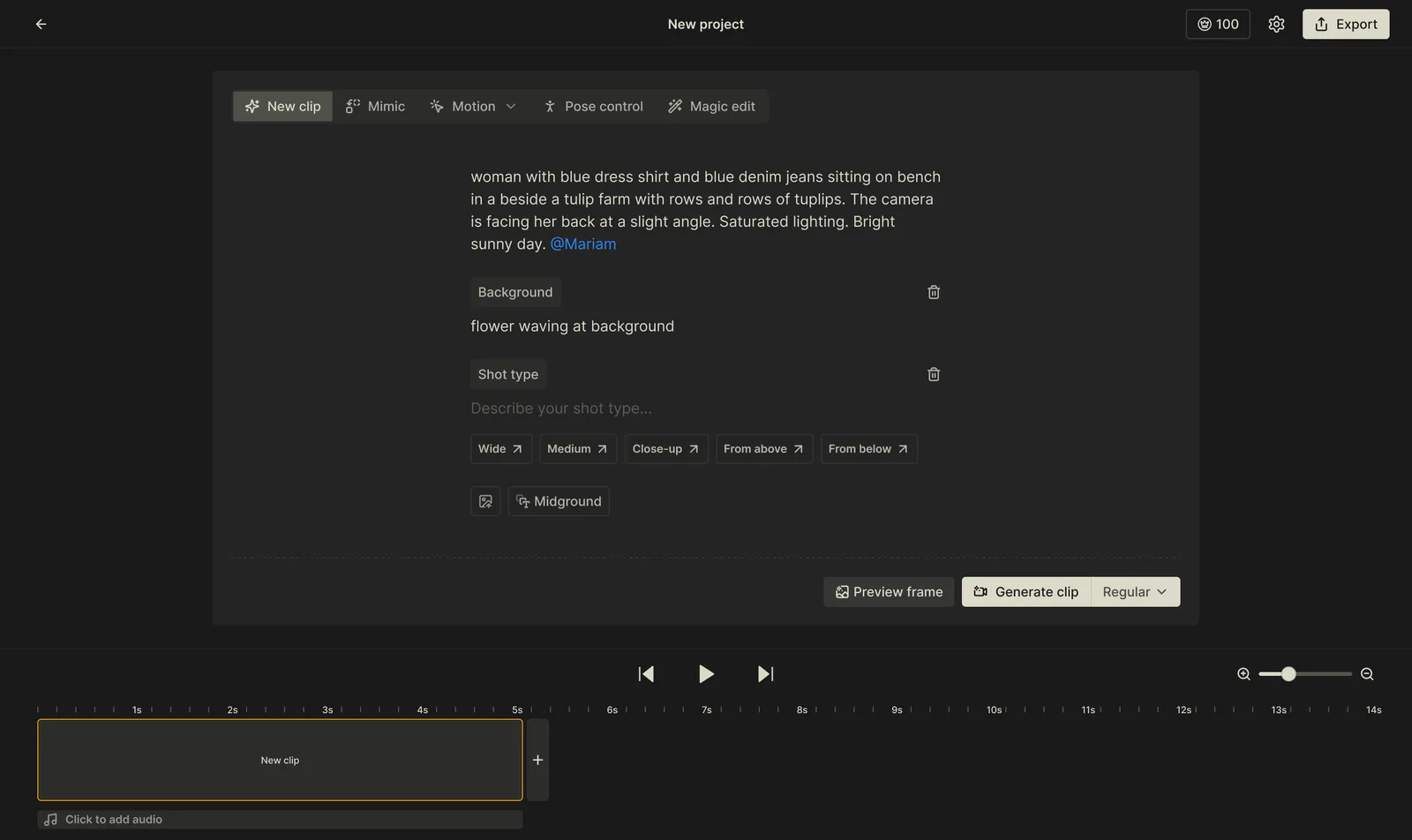
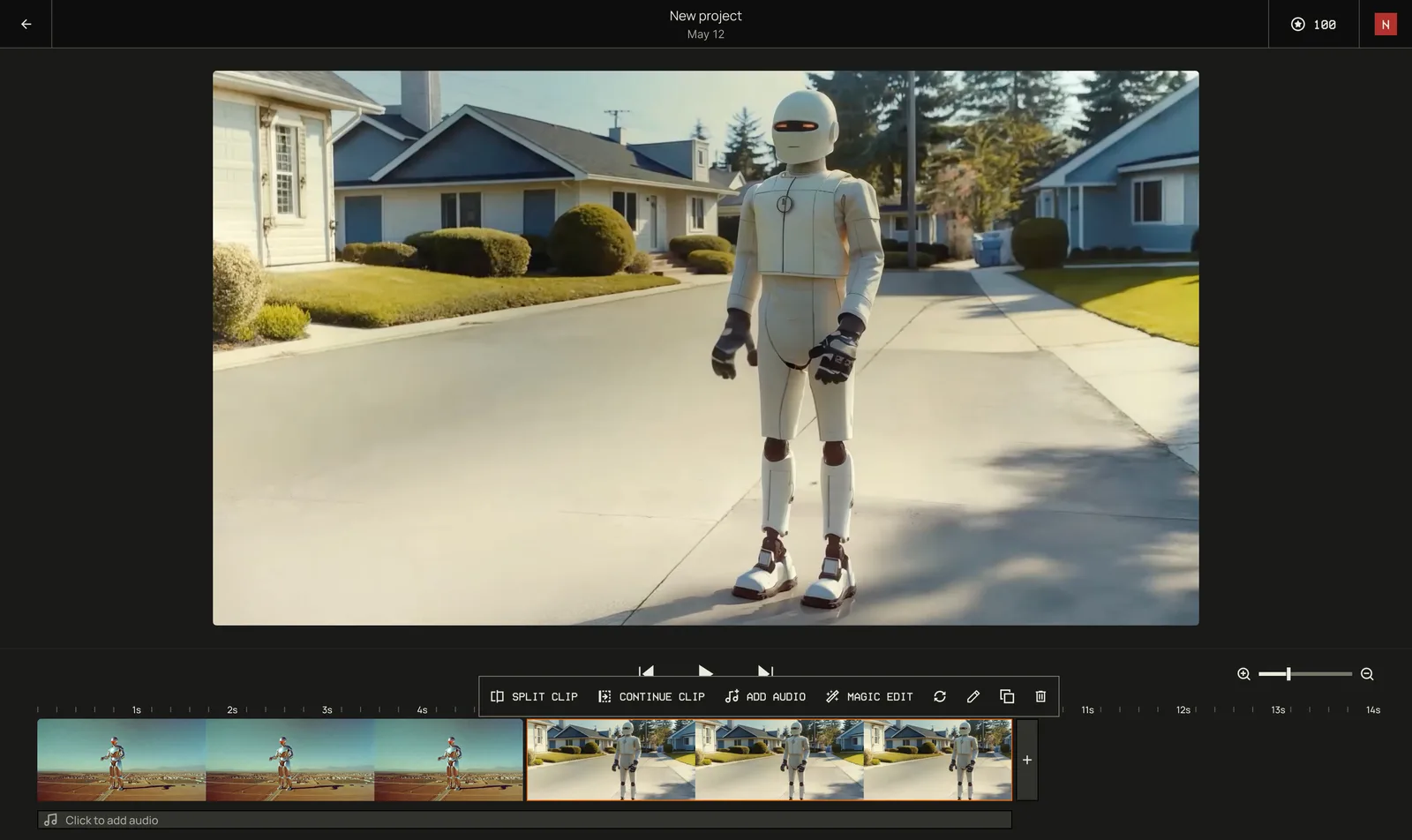
The design goal was to create a video generation product that showcases our own video model. I led product design for Moonvalley’s early concept exploration, merging the generation flow with the timeline. We validated the concept for v1, which included video generation, video extension, editing tools, and an audio generation flow.
Moonvalley is a video generation and editing tool built for professional filmmakers and studios. In the earliest phase, both the product requirements and the model’s capabilities were still in flux. To navigate that uncertainty, I designed a lightweight UX that allowed the team to test ideas quickly and iterate early.
Maker
Oct 2024
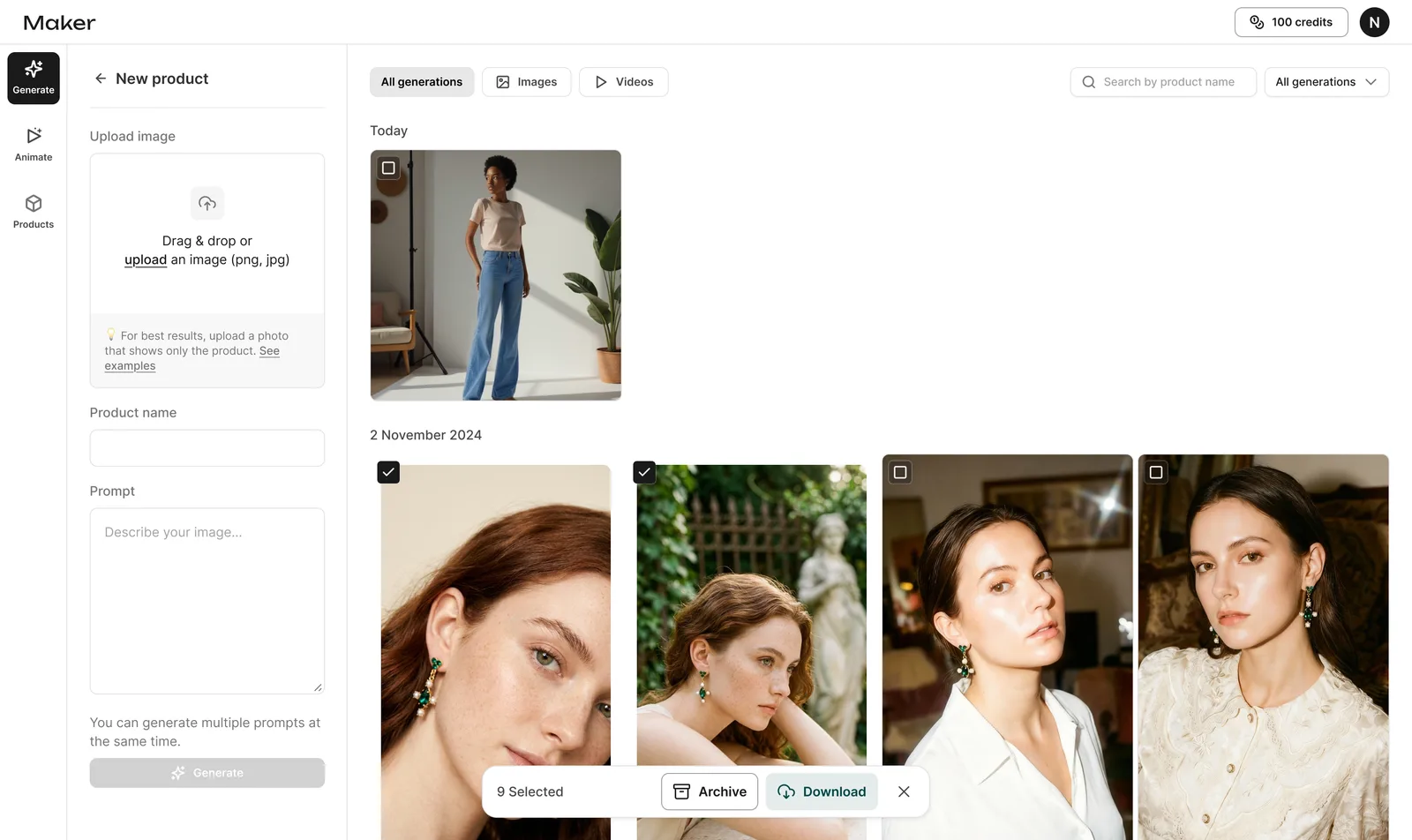
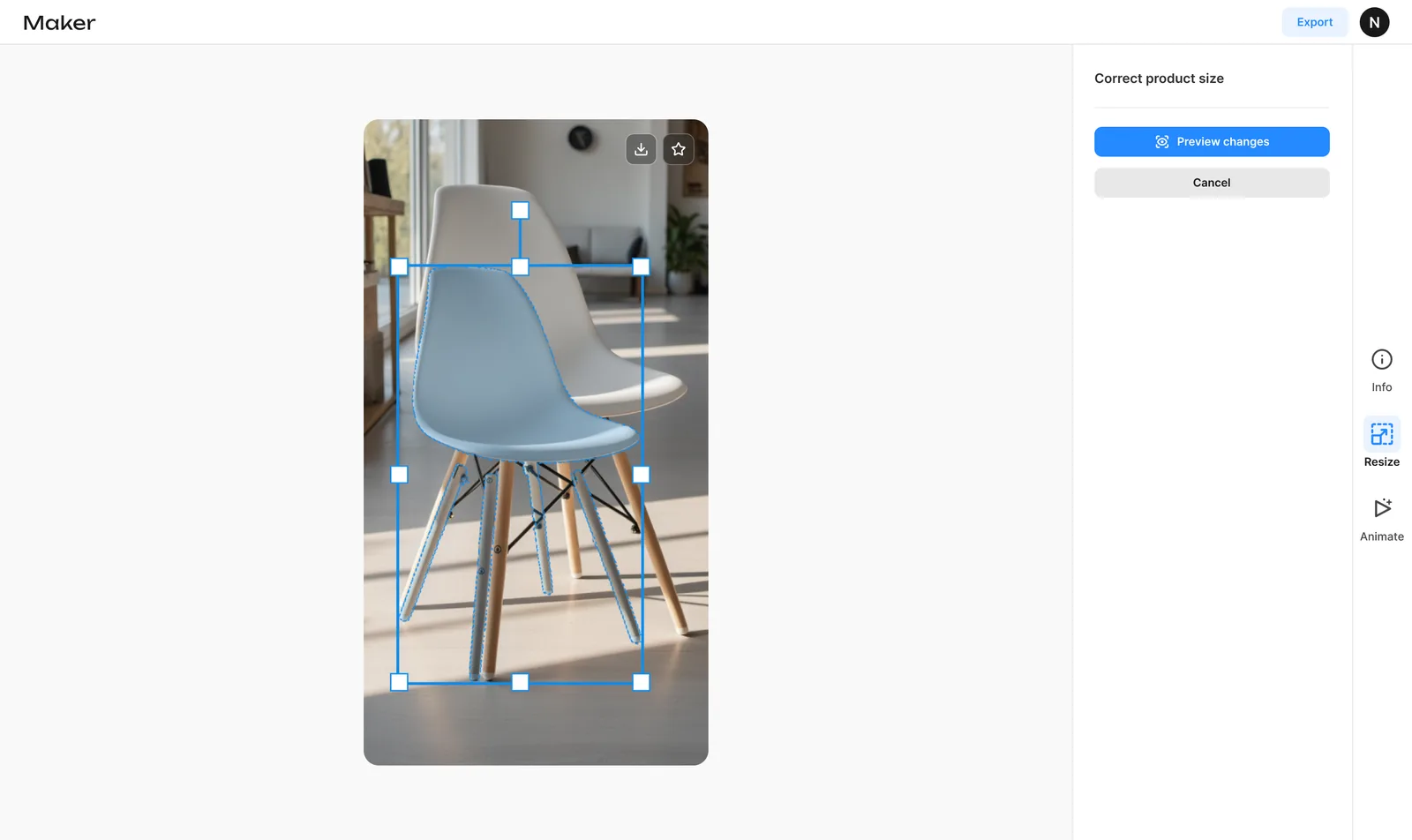
As our user base grew, we found that users working on product ads often lacked experience with canvas-based tools. So the goal became simplifying the generation flow to lower the barrier to entry. I redesigned the experience around a gallery format, letting users focus on generation rather than navigating a canvas. We also added an edit flow that lets users adjust product size, addressing a common AI generation issue.
Maker
Sep 2024
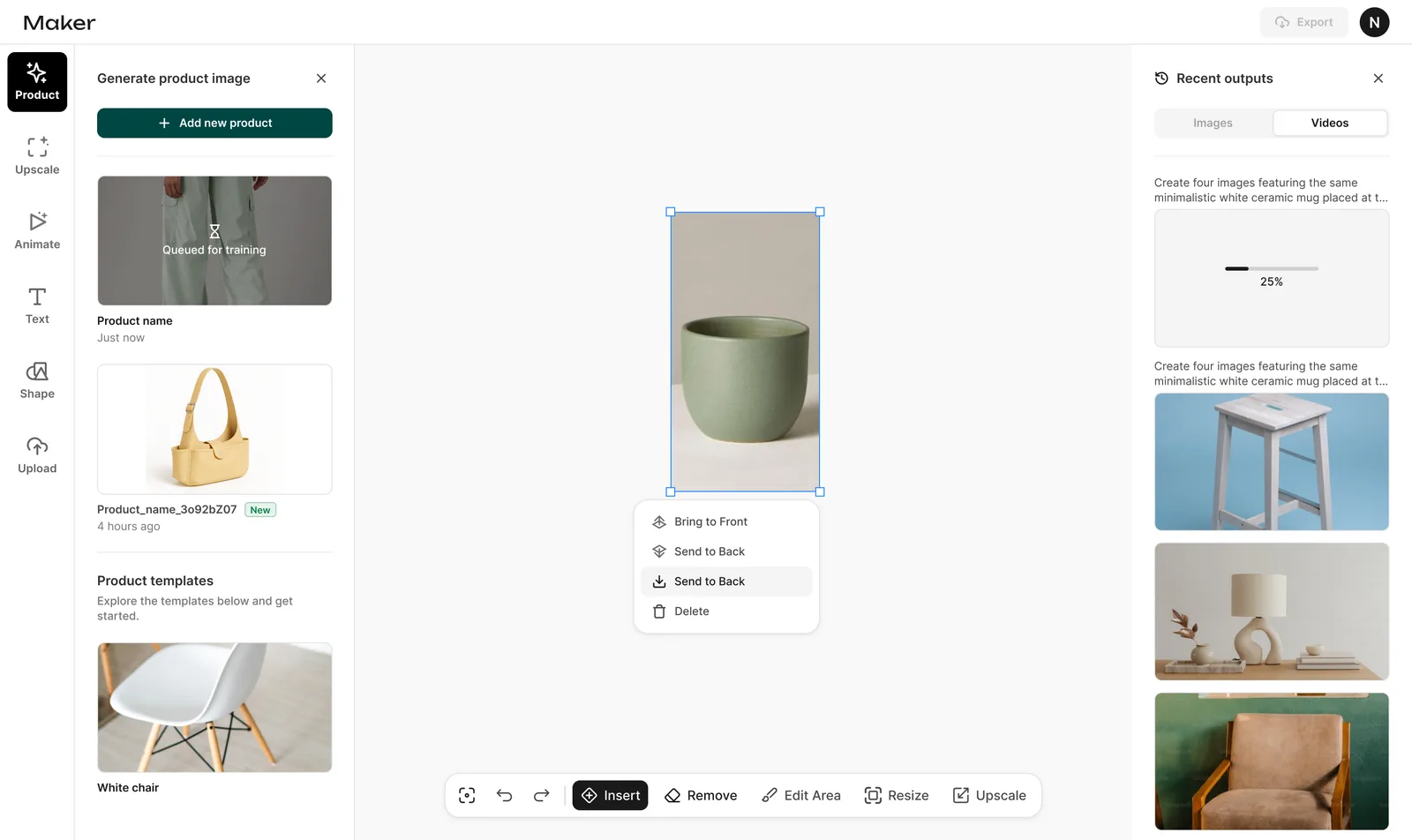
This project had no dedicated designer before I joined, so my initial focus was establishing a design system and elevating the product’s overall UX/UI. I led product design across the generate, upload, upscale, animate, and canvas edit flows. We successfully launched this version.
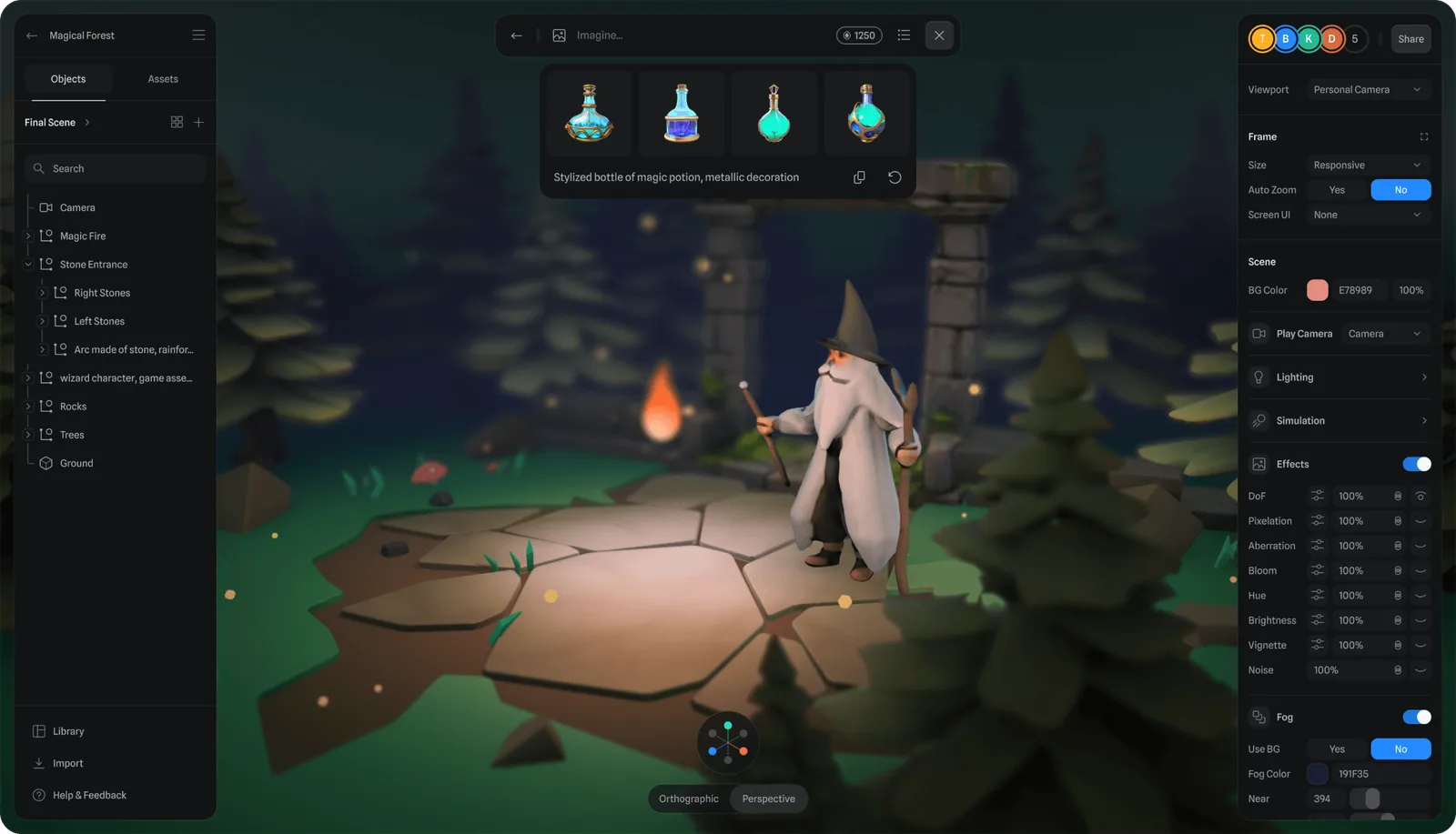
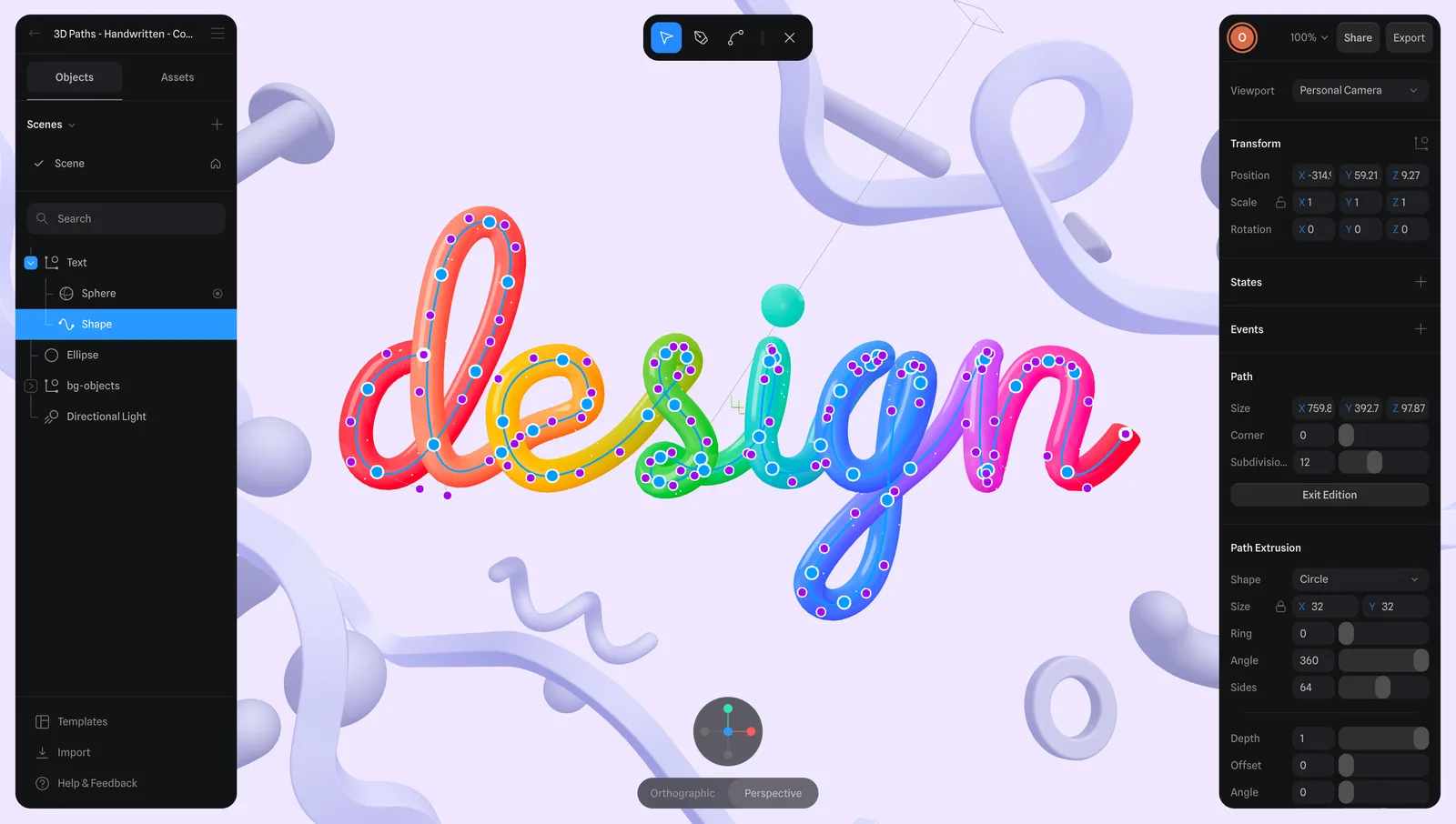
I worked on validating AI features for 3D model and texture generation, testing output quality, consistency, and how generated assets fit into existing workflows. The work helped shape how AI could support 3D creation while giving users the control and refinement they needed.
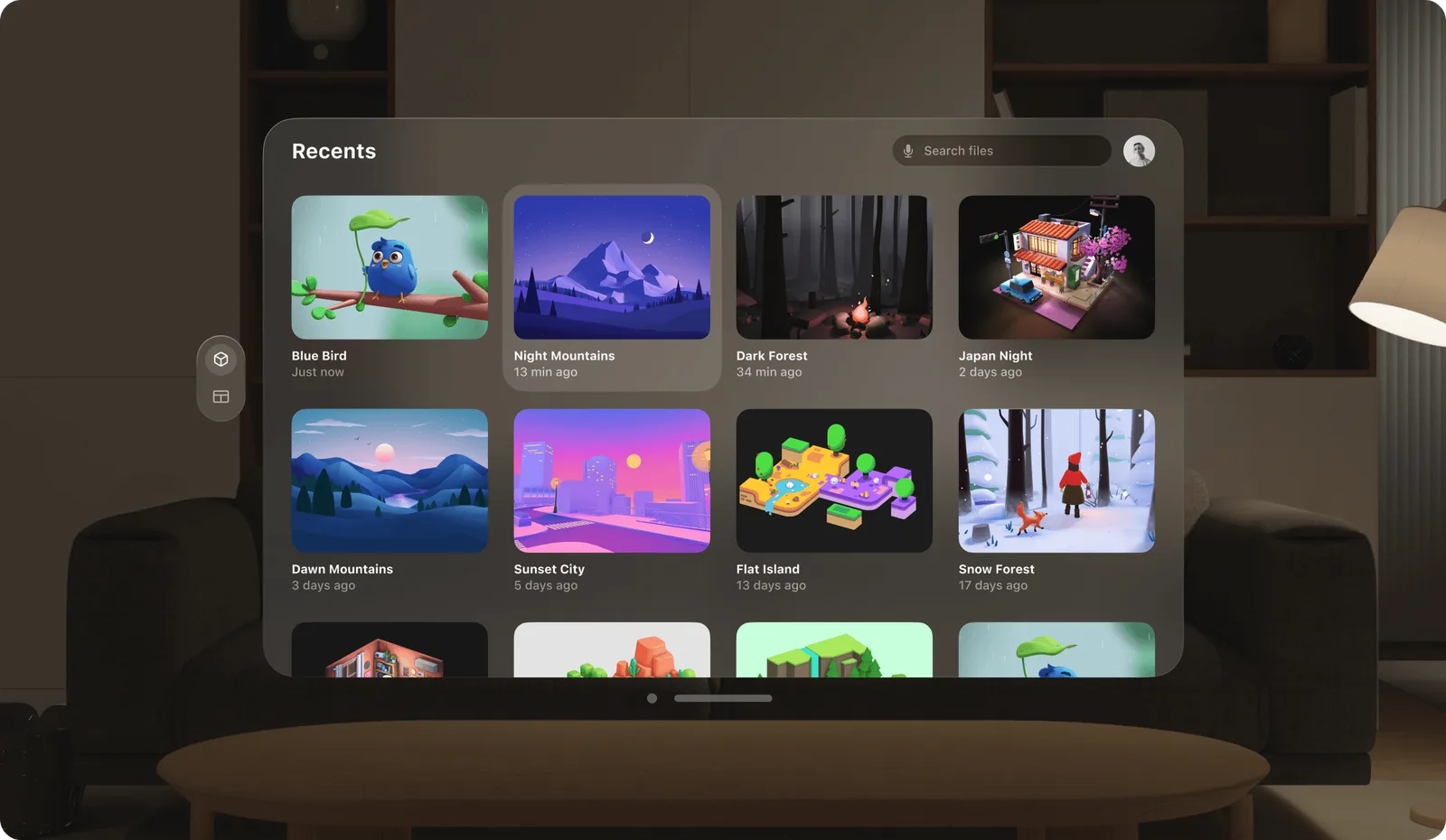
I supported the validation and launch of 3D features across iOS, macOS, and visionOS. Testing focused on how scenes translated from the editor into native experiences, especially interactions, performance, and platform-specific constraints. These findings shaped product decisions, helped prioritize fixes, and improved Spline’s native apps and spatial workflows.
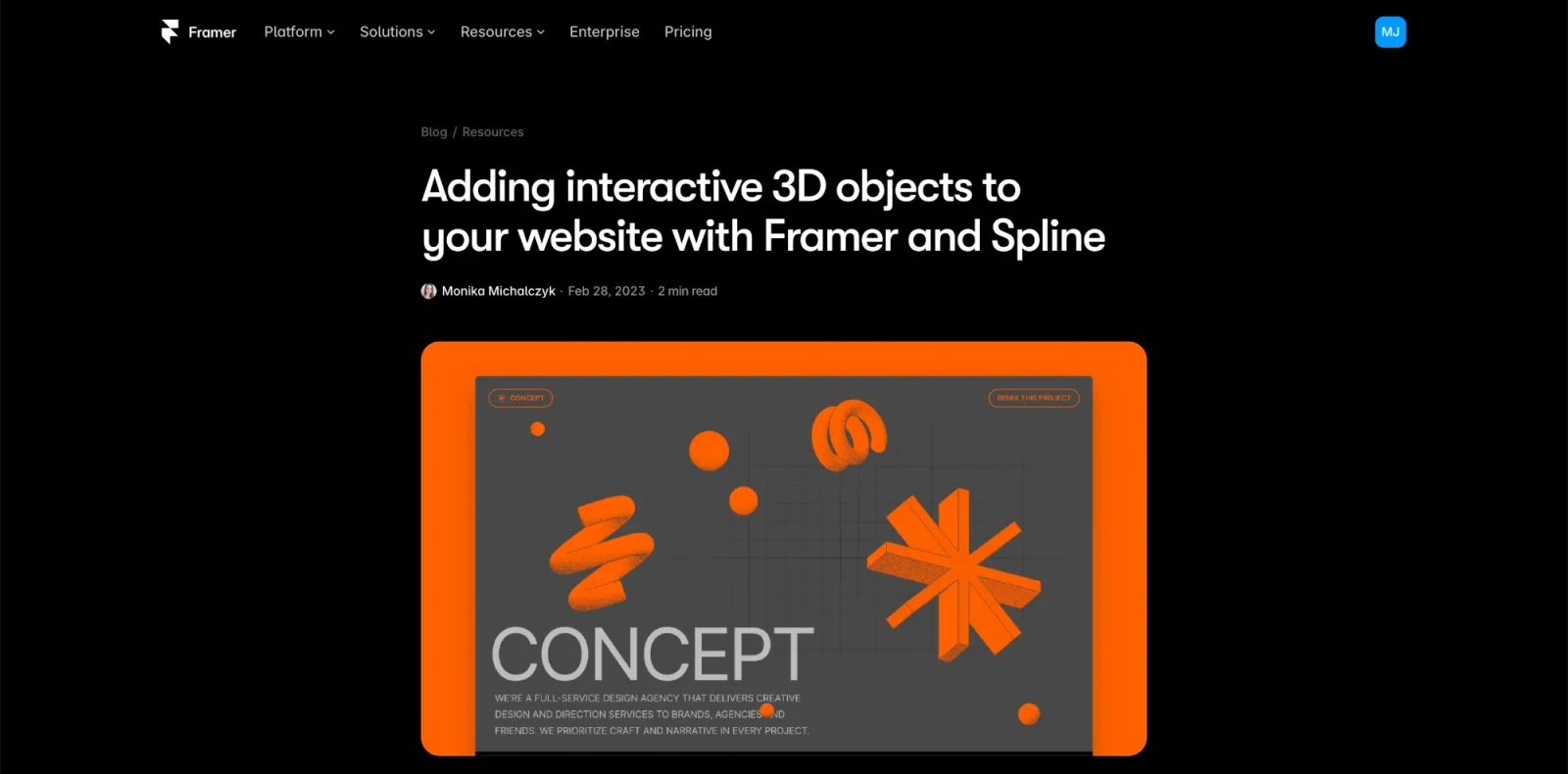
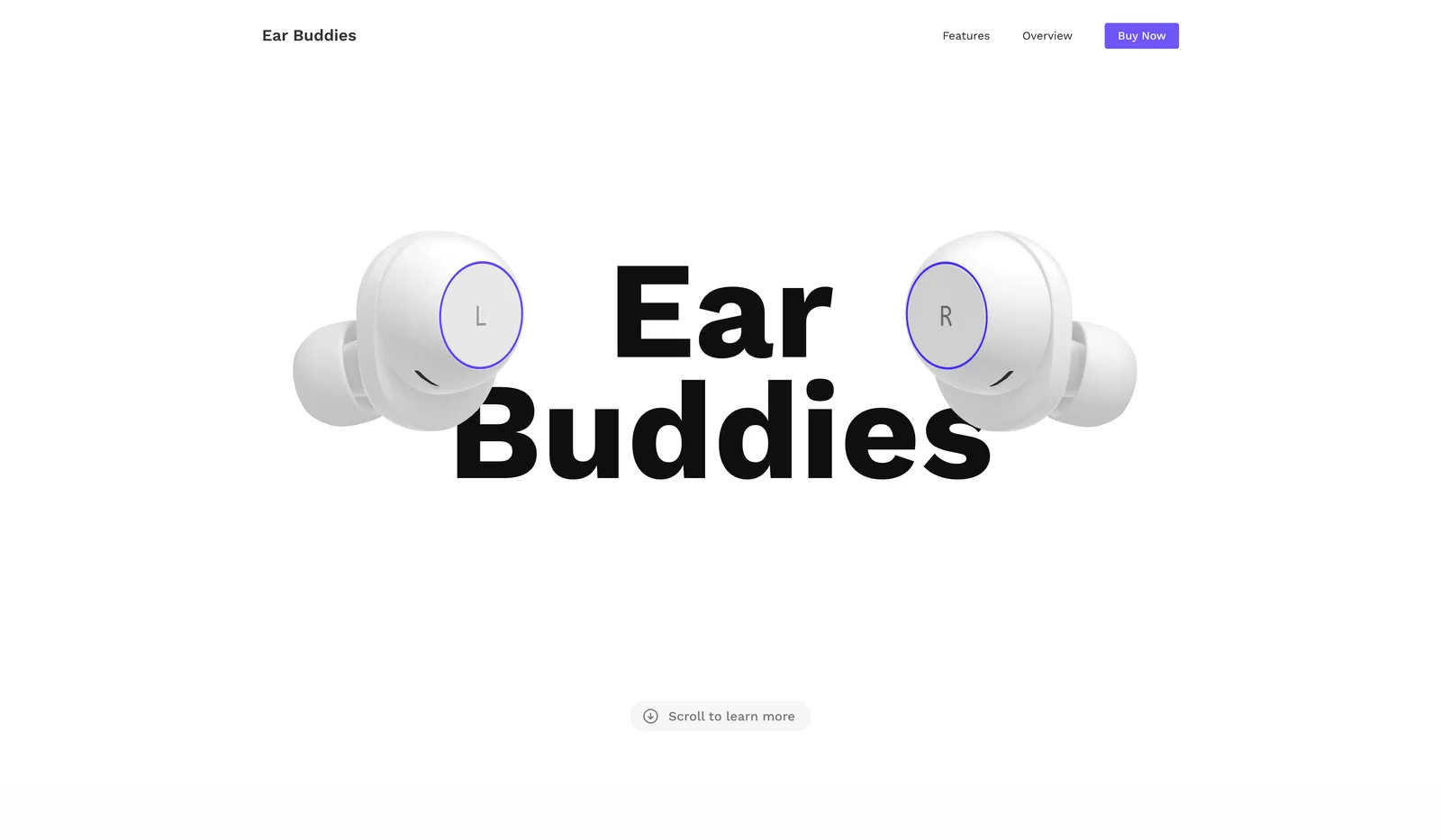
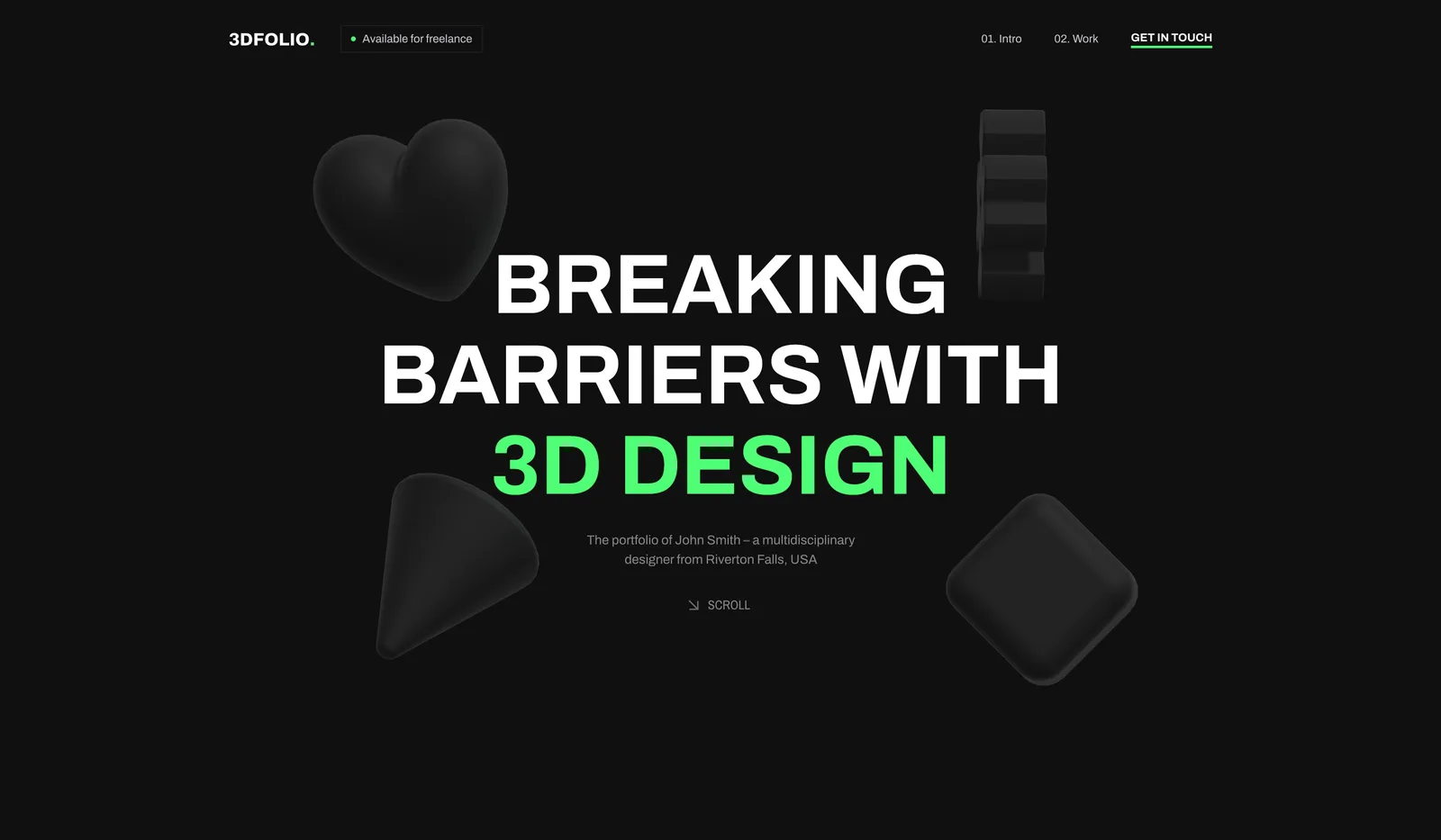
I explored workflows for embedding 3D scenes into websites, focusing on performance, usability, and real-world integration. I tested 3D embeds in Webflow and Framer, collaborated with partners on deeper integrations, and used these learnings to shape new product features and expand Spline’s use cases.
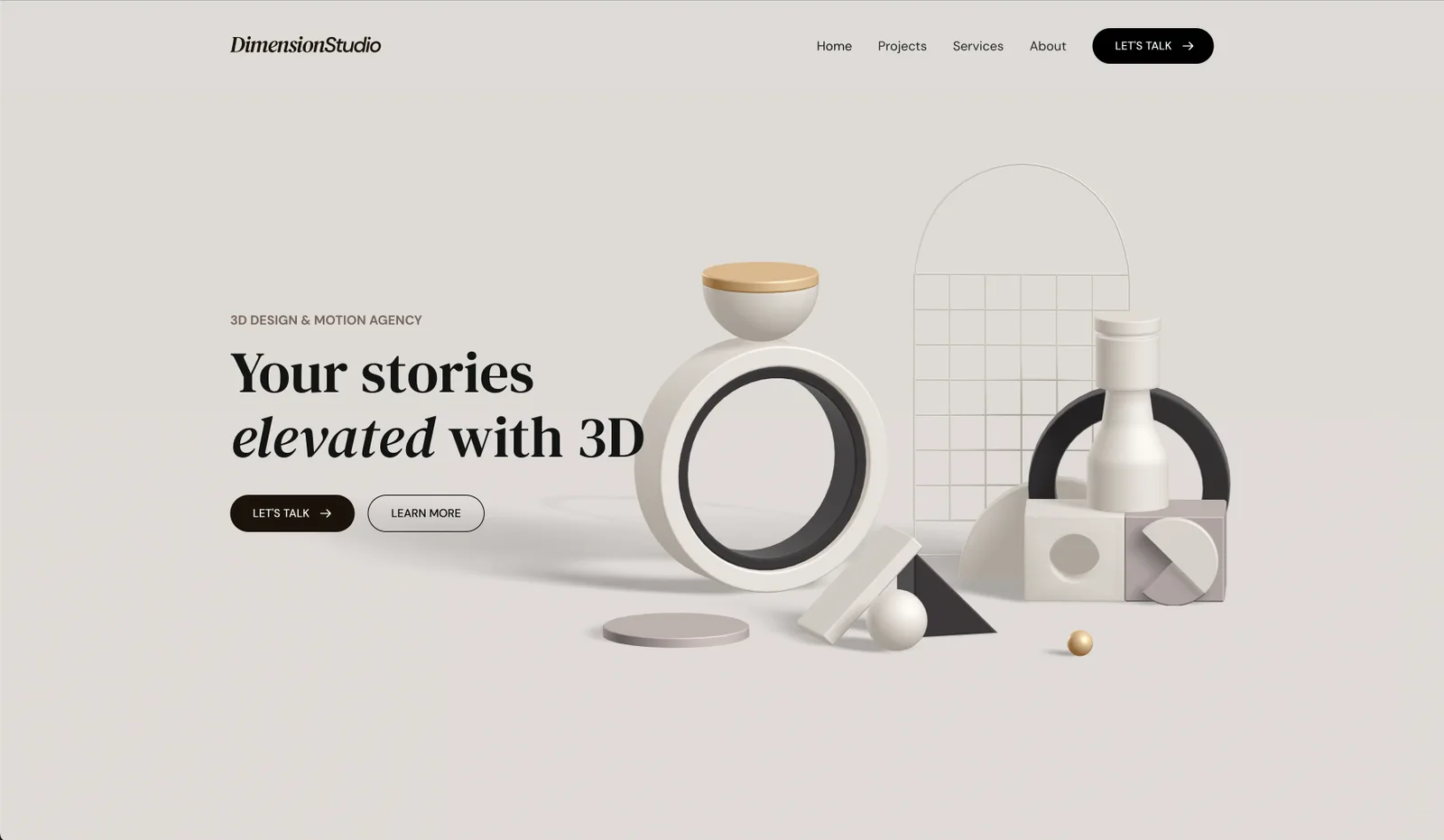
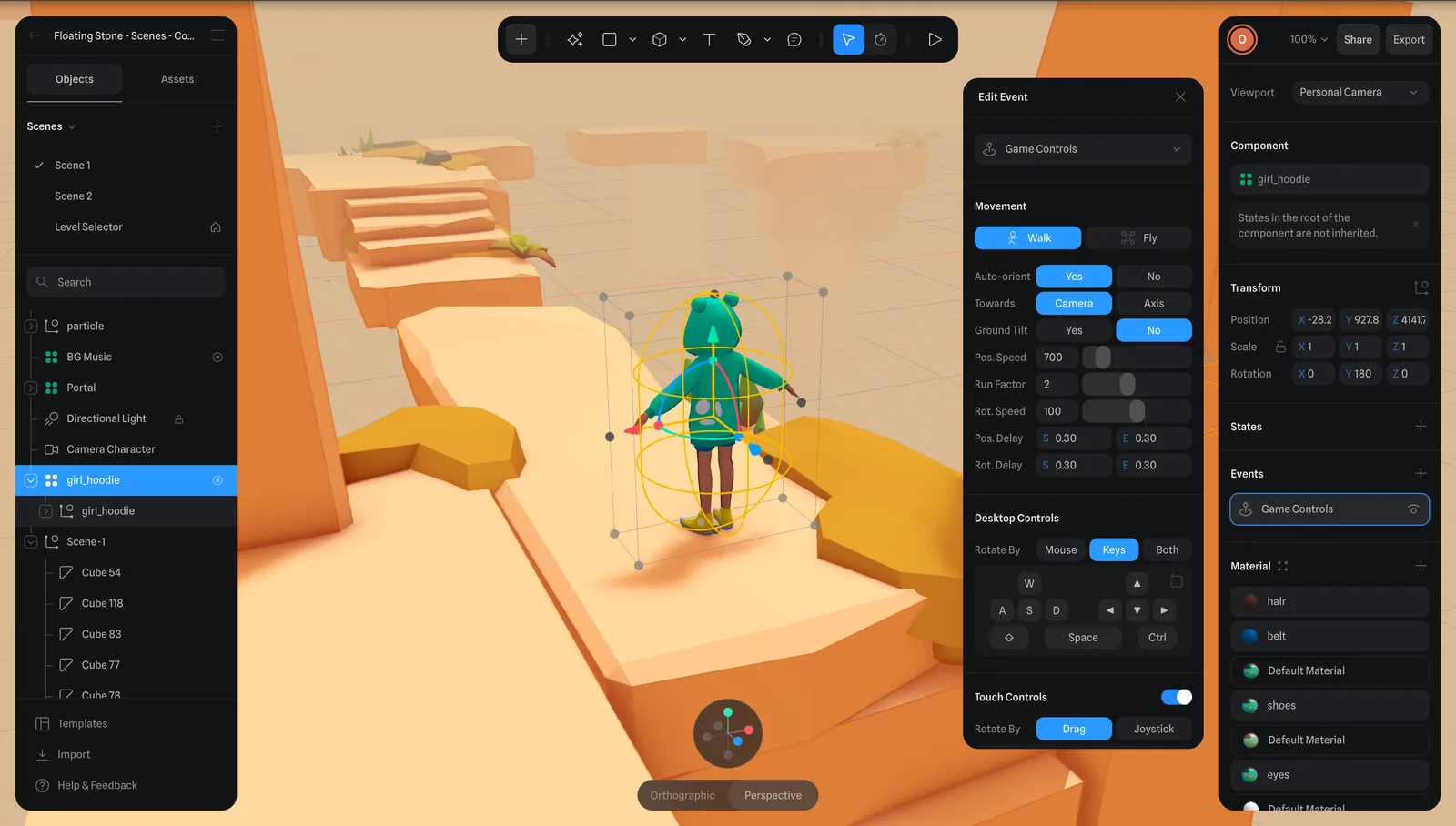
I worked on building demos to showcase Spline’s features, including materials, camera controls, performance improvements, Boolean operations, interactions, multi-user collaboration, game controls, and audio features. I also supported community growth and worked closely with engineers on QA, testing, and feature refinement.